
HTML a onclick: Correct Syntax, SEO & Accessibility Rules
August 21, 2026
Most advice on html a onclick lands in one of two unhelpful extremes: "never put onclick on a link" or "just slap onclick on anything clickable." Neither is accurate. The real rule: onclick on an tag is fine — even keyboard-accessible — as long as the tag still has a genuine href. The moment href disappears, gets left empty, or gets replaced with a javascript: pseudo-URL, that same onclick becomes an SEO dead end and an accessibility trap.
What Does onclick Do on an
The onclick attribute is a JavaScript event handler, not a navigation mechanism. It tells the browser "run this script when the user clicks this element" — nothing more. It works the same way on a On an anchor, an Here, the link works even if JavaScript fails to load, and onclick simply adds behavior on top. That layering — href for function, onclick for enhancement — is the pattern the rest of this article builds on. 1. Done right — href + onclick, safe for crawlers and keyboards: The browser navigates to 2. Broken — onclick with no href at all: Without 3. Broken — placeholder href instead of a real destination: Both are a step better for keyboard reachability, since Google's crawling documentation is explicit: crawlers discover new URLs primarily by following An The accessibility failure mirrors the SEO one, and W3C's WAI documents it directly. WCAG technique SCR35 confirms the onclick event is device-independent — it fires on mouse click, but also on Enter or Space — when attached to an element that's already natively focusable and operable, meaning a real anchor with Put onclick on a The decision rule is simple. If the click changes the URL or takes the user to a different page, use That's the practical answer to Spot-checking one page at a time doesn't scale, and these bugs hide well — a link can look and behave perfectly to a mouse user while being invisible to Googlebot and unreachable by keyboard. A few manual approaches help on individual pages: view-source and search for Neither approach covers a real site with hundreds or thousands of templated pages, though, which is exactly the If you've read this far wondering how many of these onclick-only links are quietly sitting in your own templates, that's worth checking rather than guessing. Run your URL through the live demo to see uncrawlable and inaccessible onclick patterns flagged automatically, or visit Optimevra directly to see what it's costing you in missed indexing and lost conversions — with plans for agencies and larger sites on the pricing page. Yes, as long as the No. Google's crawling documentation confirms Googlebot relies on the An Because Generally, no — reserve it only for elements that genuinely never navigate anywhere, and even then a On a single page, a DevTools console query like Originally published on Rankevra., or an ; the tag itself doesn't change what onclick does, only how the browser and assistive technology treat the element around it.
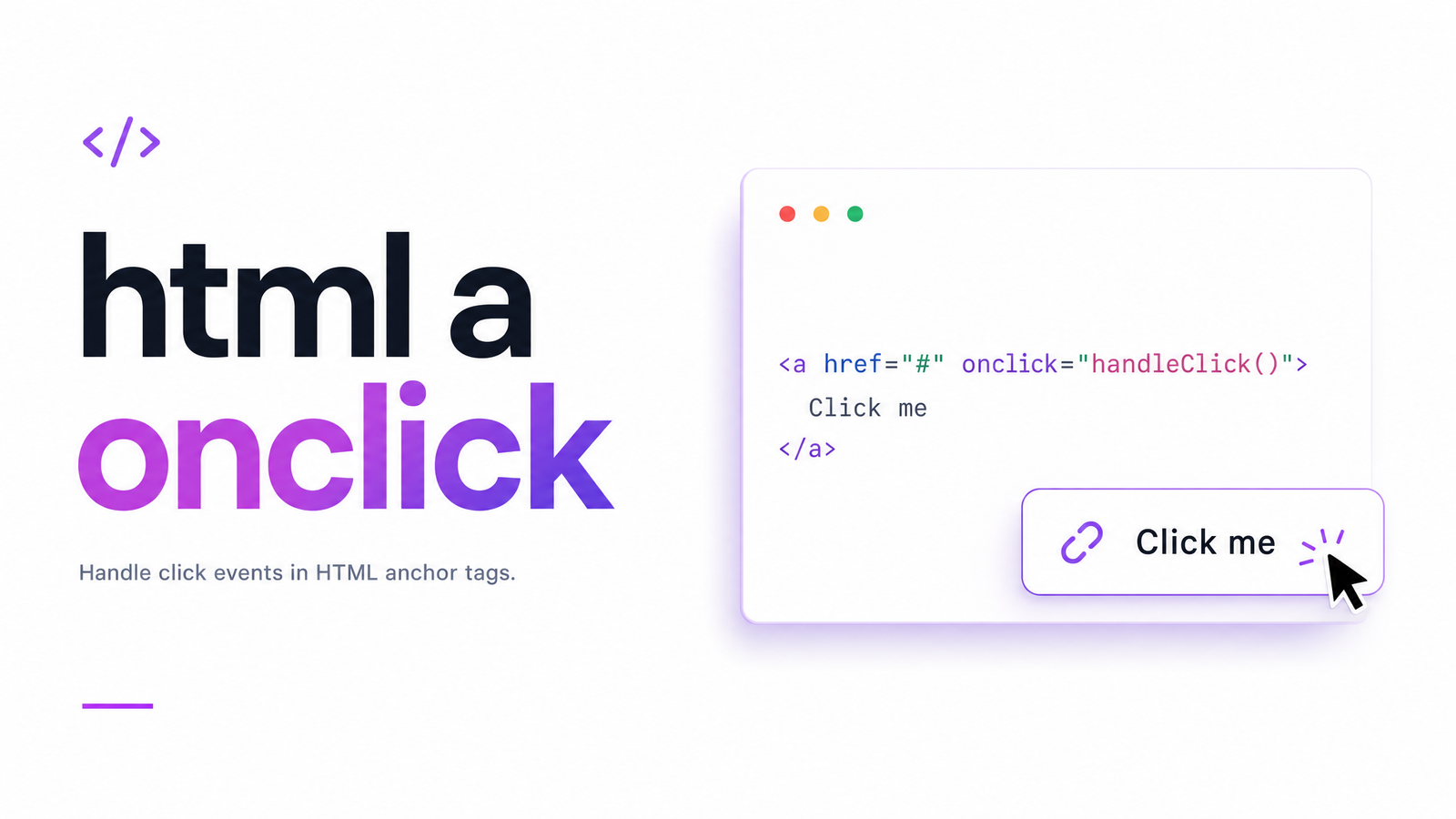
a tag onclick combination gives you two independent behaviors stacked on one element: the href handles navigation, and onclick fires extra JavaScript (tracking a click, opening a modal, confirming before navigating). Base syntax:See pricing
Correct vs. Broken:
Code ExamplesCreate account
/signup whether or not the handler runs. Search engines can crawl the URL. Keyboard users can reach it via Tab and activate it with Enter.Create account
href, this isn't technically a link. Browsers don't add it to the tab order automatically, screen readers may not announce it as a link, and there's no URL to crawl. This is the classic onclick without href mistake.Create account
Create account
href="#" and javascript:void(0) do make the element focusable and clickable. But neither gives crawlers or users a real destination — # points nowhere meaningful, and javascript:void(0) executes nothing on its own. If JavaScript fails, middle-click-to-open-in-new-tab breaks, and there's still no indexable target. Reserve this pattern strictly for elements that never navigate anywhere.Why Missing href Breaks SEO Crawlability
tags carrying an href pointing to a real URL. Google's link best-practices guide states that Googlebot doesn't reliably interpret onclick handlers, form submissions, or other JS-triggered navigation as crawlable links — it needs an href it can extract directly from the HTML.onclick link not crawlable situation isn't a theoretical edge case. If a category page, product listing, or footer nav relies on onclick="location.href='...'" instead of a real href, those destination pages may never get discovered, crawled, or indexed — regardless of content quality. The fix costs nothing: keep the real URL in href, and use onclick only for supplementary behavior like analytics. This is also why href attribute seo value matters even on links with working JavaScript — it's the redundancy that keeps a page indexable when scripts fail, get blocked, or aren't executed during a crawl pass.Why onclick Without href Breaks Keyboard & Screen Reader Access
href or a . instead, and none of that comes for free. Those elements aren't in the tab order by default, don't respond to Enter or Space, and screen readers won't announce them as interactive controls. You'd need tabindex="0", a role, and manual key-event handling just to approximate what an anchor or button gives natively. That's the core of onclick keyboard accessibility: the risk isn't the onclick attribute, it's placing it on the wrong element. An a onclick screen reader announcement — "link, Create account" — only happens when the underlying tag is a genuine, properly-hrefed anchor.
a onclick vs. button onclick: Which One to Use
with onclick layered on for tracking or confirmation logic. If the click does something in place — toggling a menu, opening a modal, submitting a form, expanding an accordion — use instead.a vs button onclick: anchors are for navigation, buttons are for actions. when to use button instead of link comes down to one test — does the address bar need to change? If yes, it's a link. If no, forcing an onto that interaction just recreates the placeholder-href problem for no reason. If onclick is mainly firing analytics events, check whether a proper click-tracking setup through GA4 or GTM handles it more reliably than inline handlers scattered across templates.How to Find Every onclick-Only Link on Your Site
onclick near anchor tags, or run a DevTools console query like document.querySelectorAll('a[onclick]:not([href])') to list broken anchors on the current page.find onclick links on website problem Optimevra is built to solve. Rather than checking page by page, a site-wide link audit crawls every URL, flags anchors with onclick but no usable href, and separates genuine accessibility failures from harmless tracking enhancements — alongside other issues covered in the lang attribute guide for teams tightening up markup compliance more broadly.Frequently Asked Questions
Is it OK to use onclick on an
tag? tag also has a real, working href pointing to an actual URL. In that setup, onclick simply adds extra behavior — like analytics tracking — on top of normal navigation, and nothing breaks for crawlers or keyboard users. Problems start only when href is missing, empty, or replaced with a placeholder.Does Google crawl links that use onclick instead of href?
href attribute to discover and follow links; it does not reliably execute onclick handlers to find new URLs. A navigation link controlled purely by onclick, with no href, can go completely undiscovered and unindexed.What's the difference between
and ? with href is meant for navigation — clicking it changes the URL or destination. A is meant for in-page actions, like opening a modal or submitting a form, where the URL stays the same. Use onclick on whichever element matches the actual behavior; don't use an anchor without a destination just to get link styling.Why does
still work with a keyboard?# still counts as a technically valid href, the browser treats the element as a real, focusable link, placing it in the natural tab order and allowing Enter to trigger it. It's keyboard-reachable for that reason — but it still fails SEO crawlability and user experience, since # doesn't lead anywhere meaningful.Should I use javascript:void(0) as the href with onclick?
is usually the better choice. A javascript:void(0) href keeps the element focusable but gives search engines and non-JavaScript contexts nothing indexable, and signals to other developers that the element isn't a real link.How do I find all the onclick-only links on my site?
document.querySelectorAll('a[onclick]:not([href])') will list any anchors missing a real href. Across an entire site, manual checking doesn't scale — an automated crawl, like the one Optimevra runs, flags every onclick-only or placeholder-href link site-wide so you're not relying on spot checks.