
Indexability Explained: What It Means and How to Fix It
August 14, 2026
What Is Indexability?
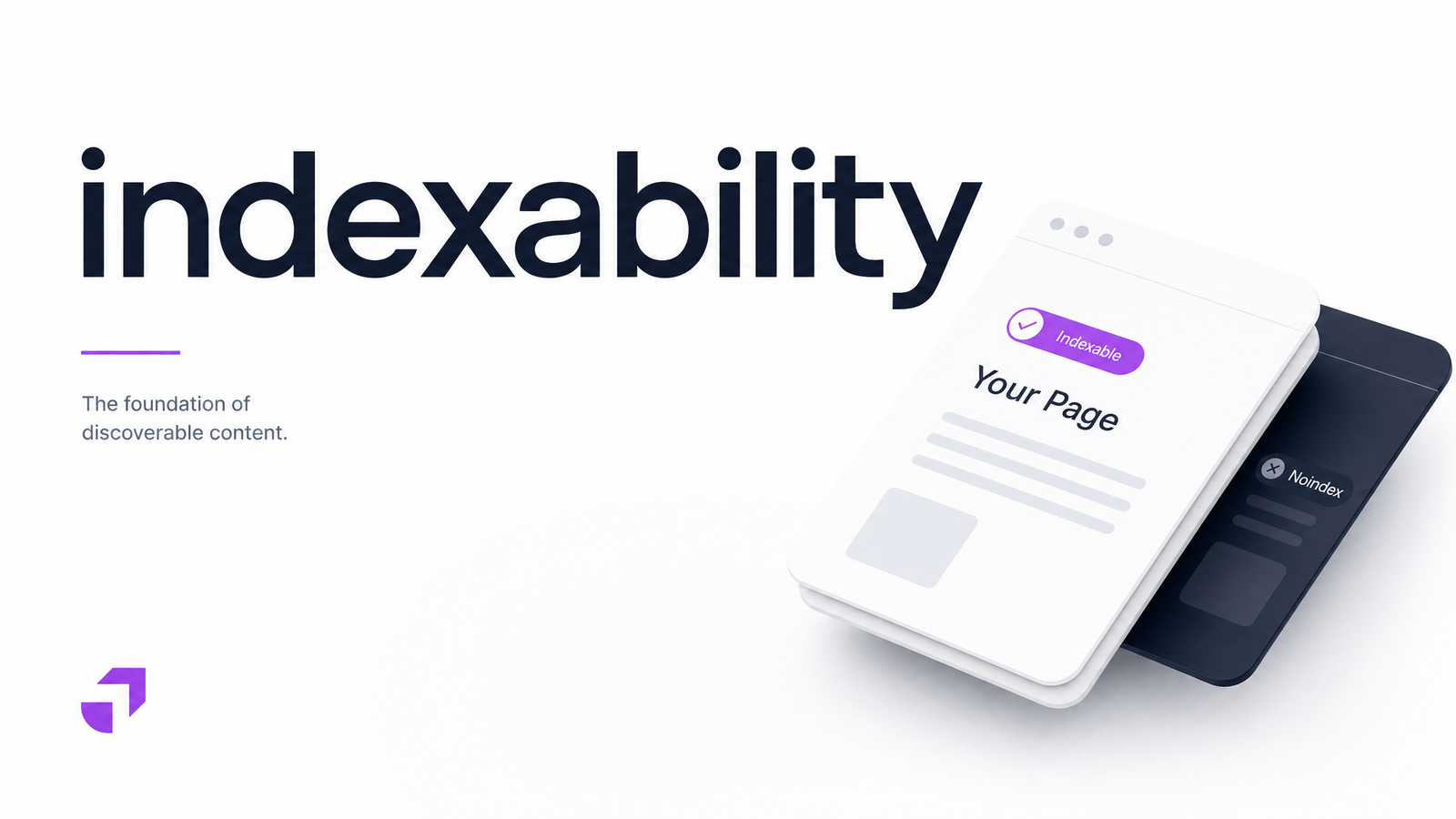
Indexability is whether a search engine is technically allowed to store a given page in its index. It's not the same as ranking well, and it's not the same as being crawled. A page can be found, fully rendered, and understood by Googlebot, yet still be blocked from entering the index because of one directive somewhere in its code or server response.
Think of it as a gate. Crawling is the search engine walking up to your page. Indexability is whether the gate is open or locked. Ranking only happens on the other side of that gate — if indexability is broken, no amount of content quality or backlinks will get a locked-out page into search results. This is the core idea behind Ahrefs' definition of indexability: a page's eligibility to be added to the index, sitting between discovery and ranking in the pipeline.
Indexability vs. Crawlability vs. Indexed: Why the Difference Matters
These three terms get used interchangeably, and that habit sends people troubleshooting the wrong problem.
- Crawlability asks: can Googlebot reach and fetch this URL at all? It's about discovery — links, sitemaps, internal navigation, and crawl budget.
- Indexability asks: assuming Googlebot can reach it, is the page allowed to be added to the index? This is a matter of directives — status codes, robots.txt, noindex tags, canonicals.
- Indexed is the actual outcome: has Google chosen to include this specific URL in its index right now?
A page can be crawlable but not indexable (Googlebot visits it, then finds a noindex tag and walks away). A page can also be indexable but not indexed — technically eligible, yet still excluded because Google decided not to include it. This case is often labeled "crawled – currently not indexed" in Google Search Console, a different problem entirely from a blocked or disallowed URL. Confusing these three is the single most common reason SEO troubleshooting goes in circles. Search Engine Land's guides on indexability and crawlability are worth bookmarking for exactly this reason — they frame discovery and inclusion as separate stages, not synonyms.
The Technical Signals That Control Indexability
A handful of concrete signals determine whether a page is indexable. Check each one before assuming a page's absence from search is a content problem.
HTTP status codes. A page must return a 200 OK to be considered for indexing. A 404 tells Google the page doesn't exist; a 500 signals a server error, gets retried, and is eventually dropped if it persists. Redirect chains and loops also confuse crawlers and can quietly stall indexing — common enough to deserve its own troubleshooting pass, covered in this redirect triage guide.
Robots.txt disallow rules. This file controls crawling, not indexing directly — but if Googlebot can't crawl a page, it also can't read any indexing directive on it. A disallowed URL can still get indexed (usually with a "no information available" snippet) if enough external signals point to it, a common source of confusion.
Meta robots noindex tag. A tag in the page's explicitly tells Google not to index the page, even though it was crawled successfully. This is the single most common cause of "why isn't this page in Google" once crawlability is confirmed.
X-Robots-Tag HTTP header. Functionally identical to the meta noindex tag but delivered in the server response header instead of the HTML. It's frequently used on PDFs, images, and non-HTML files, and it's invisible unless you inspect the response headers directly — easy to set accidentally and never notice.
Canonical tags. A rel=canonical pointing to a different URL tells Google which version is the "real" one to index. If a page canonicalizes to another URL — intentionally or by a templating mistake — Google will typically consolidate signals to that target and skip indexing the original, even if everything else looks fine.
Why a "Technically Indexable" Page Can Still Be Left Out in 2026
Passing every technical check above no longer guarantees inclusion. Google's indexing pipeline now layers a quality and uniqueness judgment on top of technical eligibility. A thin, duplicate, or low-value page can be perfectly crawlable and indexable — no noindex, clean canonical, 200 status — and still sit unindexed because Google's systems decided it isn't worth storing.
This shows up in Search Console as "discovered – currently not indexed" (Google found the URL but hasn't prioritized crawling or indexing it) and "crawled – currently not indexed" (Google fetched the page and chose not to index it, often due to perceived low value or duplication). Neither status points to a broken directive — they point to a judgment call, so the fix is usually about consolidating thin pages, improving uniqueness, or reconsidering whether the page needs to exist at all.
How to Check a Page's Indexability
Start with Google Search Console's URL Inspection Tool for individual pages, or the Page Indexing report for a site-wide view of index status categories. Both will tell you directly whether Google considers a URL indexed and, if not, why.
For manual spot-checks: view page source for a meta robots tag, check the raw HTTP response headers for an X-Robots-Tag, confirm the canonical tag points to the URL itself, and verify the status code returns 200. Rendering matters too — some directives only appear after JavaScript executes, which is why checking how Googlebot actually renders a page rather than just the source HTML is worth doing for JS-heavy sites.
This works fine for one page. It breaks down fast across hundreds or thousands of URLs, where a single templating bug can silently apply noindex or a wrong canonical sitewide.
Fixing Indexability Issues Faster
Each blocker has a straightforward fix once you find it: correct the status code or resolve the redirect chain, adjust the robots.txt rule, remove or update the noindex meta tag or X-Robots-Tag, and point the canonical tag back to the correct URL. The hard part isn't fixing indexability issues — it's finding them before they cost you months of missing search traffic.
That's where a website audit tool earns its keep. Instead of opening dev tools on every URL, a full-site crawl can surface every noindex tag, misfiring canonical, blocked robots.txt path, and bad status code in one pass — flagging exactly which pages are silently excluded and why.
Frequently Asked Questions
What's the difference between crawlability and indexability?
Crawlability is whether a search engine can reach and fetch a page; indexability is whether that page is allowed to be stored in the index once fetched. A page can be crawlable but blocked from indexing by a noindex tag, or technically indexable but never crawled because it's disallowed or unlinked.
Why does Google Search Console say a page is "Discovered - currently not indexed"?
This status means Google knows the URL exists but hasn't crawled or indexed it yet, often due to crawl budget constraints or low perceived priority. It's not a technical block — it usually reflects Google deprioritizing the page.
Can a page be indexable but still not get indexed?
Yes. A page can pass every technical check — 200 status, no noindex, correct canonical — and still be excluded if Google judges it thin, duplicate, or low-value. This shows up as "crawled – currently not indexed" in Search Console.
Does robots.txt control indexing or just crawling?
Robots.txt controls crawling, not indexing directly. A disallowed page can sometimes still appear in search results without a snippet if other pages link to it, since Google never crawled it to see an indexing directive.
How do I check if a specific page is indexable?
Use the URL Inspection Tool in Google Search Console for the definitive answer, or manually check the page's status code, meta robots tag, X-Robots-Tag header, and canonical target. For sites larger than a handful of pages, an automated audit is far faster than manual checks.
Why would I want a page to NOT be indexable?
Pages like internal search results, staging environments, duplicate filtered URLs, or thank-you pages often shouldn't compete for rankings or dilute crawl budget. Deliberately setting these to noindex keeps your index focused on pages worth ranking.
Manually checking status codes, robots.txt rules, meta tags, and canonicals across an entire site doesn't scale — and a single missed noindex tag can quietly erase a key page from search for months. Run your site through Optimevra or explore the live demo to catch these indexability blockers automatically, before they cost you traffic.
Originally published on Rankevra.