
Sitebulb Explained: What It Does, Costs, and Misses
August 16, 2026
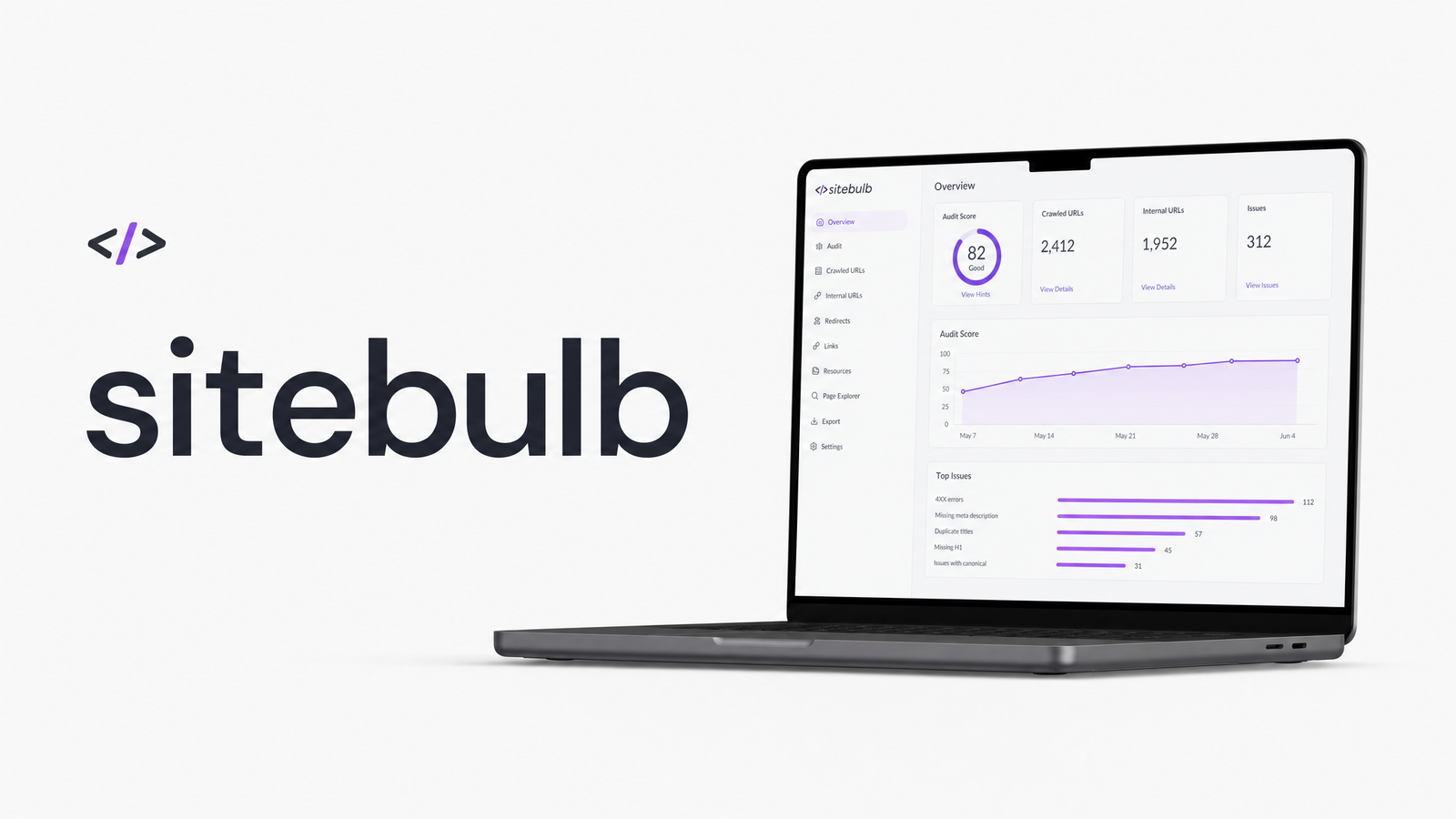
What Is Sitebulb?
Sitebulb is a technical SEO crawler available as a desktop application or a cloud-hosted platform, built to answer one core question at scale: can search engines find, render, and index every page on your site the way you intend? A Sitebulb SEO audit crawls your site, renders JavaScript through the Evergreen Chromium engine, and maps out crawlability, indexability, internal linking structure, and on-page SEO signals like titles, headings, and canonical tags.
What sets it apart from a raw data export is its "Hints" system — prioritized, plain-English explanations of issues it finds, ranked by severity, alongside visual crawl maps showing how pages link to one another. Think of it as a crawler that does the diagnostic thinking for you rather than handing you a spreadsheet to interpret. That's genuinely useful for agencies running client audits or in-house teams explaining findings to non-technical stakeholders. Sitebulb also flags basic indexability problems — noindex tags, canonical conflicts, redirect chains — covered in more depth in Indexability Explained: What It Means and How to Fix It.
Sitebulb Pricing: Desktop vs Cloud
Sitebulb pricing splits into two products, and the difference matters for budgeting. Sitebulb Desktop is a one-time-install application licensed annually, sold in Lite and Pro tiers — Lite covers smaller sites and simpler audits, while Pro unlocks larger crawl limits, JavaScript rendering, and more advanced audit features. Sitebulb Cloud runs entirely in the browser, bills per credit or subscription tier depending on crawl volume, and removes the need for local hardware or software installs — useful for agencies running many concurrent audits or teams wanting centralized, shareable reporting.
Because pricing structures and trial terms change, check the Sitebulb Website Crawler - Official Pricing Page directly rather than relying on secondhand numbers. Desktop suits freelancers and small agencies comfortable running crawls locally; Cloud suits larger teams needing scale, collaboration, and no local resource constraints. Whether it's worth it depends largely on how often you're auditing and how many sites you manage — occasional single-site audits rarely justify Cloud's cost, while agencies running audits weekly across dozens of client sites usually recoup it fast.
Sitebulb vs Screaming Frog: How They Differ
This is one of the most common comparisons in technical SEO circles, and the short answer is that they solve overlapping problems with different philosophies. Screaming Frog SEO Spider is a raw-data-first crawler: fast, flexible, and beloved by practitioners who want granular control over exports and custom extraction. Sitebulb leans into interpretation — its Hints and visual reporting do more analysis for you, making it stronger for client-facing deliverables and less experienced auditors, but slightly less flexible for power users who want to slice data their own way.
Neither wins outright; many technical SEOs run both, using Screaming Frog for quick custom crawls and Sitebulb for structured client audits and hint-based reporting. Sitebulb's own comparison page lays out this positioning against Screaming Frog in more detail if you want the vendor's framing. For readers searching for a Sitebulb alternative purely on crawl mechanics, Screaming Frog is the obvious answer — but neither tool addresses what happens after a visitor lands on a crawlable page, which is where the real limitation shows up.
What Sitebulb Doesn't Cover
Sitebulb audits crawlability, indexability, and on-page SEO thoroughly, and includes automated checks for basic accessibility issues and page-speed metrics pulled from tools like Google Lighthouse. That's valuable groundwork — a site with broken canonical tags or blocked JavaScript resources won't rank, no matter how good its design is. Sitebulb's rendering engine even lets you approximate how Googlebot sees a JavaScript-heavy page, a method covered further in View Site as Googlebot: A Site-Wide Audit Method.
But automated accessibility scans catch only a narrow slice of WCAG guidelines — missing alt text, contrast ratios, heading structure — not the layered manual review needed to assess real screen-reader usability or keyboard navigation flow. And crawler-first tools, by design, can't observe actual user behavior. Sitebulb has no visibility into where real visitors hesitate, misread a call-to-action, abandon a checkout form, or bounce because a page is technically indexable but confusing to navigate. Conversion issues — a form field that triggers distrust, a mobile layout that hides a CTA below the fold, a checkout flow with too much friction — sit entirely outside a crawler's field of view. These are exactly the problems explored in How Your Website Reduces Churn — Or Quietly Causes It, and they're often the difference between a technically sound site and one that actually converts.
Pairing Sitebulb With a UX & Conversion Audit
Once Sitebulb (or Ahrefs Site Audit, or Lumar, formerly Deepcrawl) confirms your pages are crawlable, indexable, and structurally sound, you've cleared the technical floor — but you haven't answered why visitors leave without converting. That's a UX, accessibility, and conversion problem, not a crawl problem, and it needs a different lens.
This is where Optimevra fits as a natural complement rather than a competing tool. Optimevra's AI-powered audit runs on the same pages Sitebulb has already confirmed are technically healthy, and identifies the UX friction, accessibility gaps, and conversion blockers a crawler was never built to see — confusing navigation, low-contrast CTAs, form abandonment triggers, and mobile layout issues that quietly cost you signups and sales. Think of it less as a Sitebulb alternative and more as the audit layer that picks up exactly where crawler-first tools stop. If you're already running Sitebulb crawls and want to know what's happening after Googlebot leaves and real visitors arrive, take a look at Optimevra's live demo or compare tiers on the pricing page.
Frequently Asked Questions
Is Sitebulb free to use?
Sitebulb is not free, but it offers a trial period so you can test crawls before committing to Desktop or Cloud pricing. Ongoing use requires a paid Lite or Pro Desktop license, or a Cloud subscription billed by tier or crawl credits — check the official pricing page for current trial terms and rates.
What's the difference between Sitebulb Desktop and Sitebulb Cloud?
Sitebulb Desktop is a locally installed application licensed annually in Lite or Pro tiers, relying on your own hardware for crawl speed and capacity. Sitebulb Cloud runs entirely in the browser, scales without local resource limits, and is generally better suited to agencies running multiple concurrent audits.
Does Sitebulb check website accessibility?
Sitebulb includes automated accessibility checks covering common WCAG issues like missing alt text, heading structure, and contrast ratios. It doesn't replace a full manual accessibility audit, which requires testing real screen-reader behavior, keyboard navigation, and other interaction patterns automated scans can't capture.
Is Sitebulb better than Screaming Frog?
Neither tool is universally "better" — they solve the same problem differently. Sitebulb offers prioritized Hints and visual crawl reporting that suit client deliverables, while Screaming Frog offers faster, more flexible raw data exports favored by hands-on technical SEOs; many practitioners use both.
Can Sitebulb tell me why visitors are leaving my site?
No — Sitebulb is a crawler-first SEO tool with no visibility into real user behavior. It can confirm a page is crawlable and indexable, but it can't detect UX friction, confusing navigation, or conversion blockers that cause visitors to bounce or abandon a form.
Do I need Sitebulb and a UX audit tool, or just one?
Most sites benefit from both, since they cover different layers of the same problem. Sitebulb confirms your site is technically crawlable and indexable, while a UX and conversion audit tool like Optimevra identifies why technically healthy pages still fail to convert real visitors.
Sitebulb and Optimevra aren't competing for the same job — Sitebulb confirms your site is crawlable, indexable, and technically sound, while Optimevra finds the UX, accessibility, and conversion issues that make visitors leave even when the technical audit comes back clean. If your crawl reports look healthy but conversions still lag, that's the gap Optimevra is built to close.
Originally published on Rankevra.