
The Lang Attribute in HTML: Syntax, WCAG & Fixes
August 18, 2026
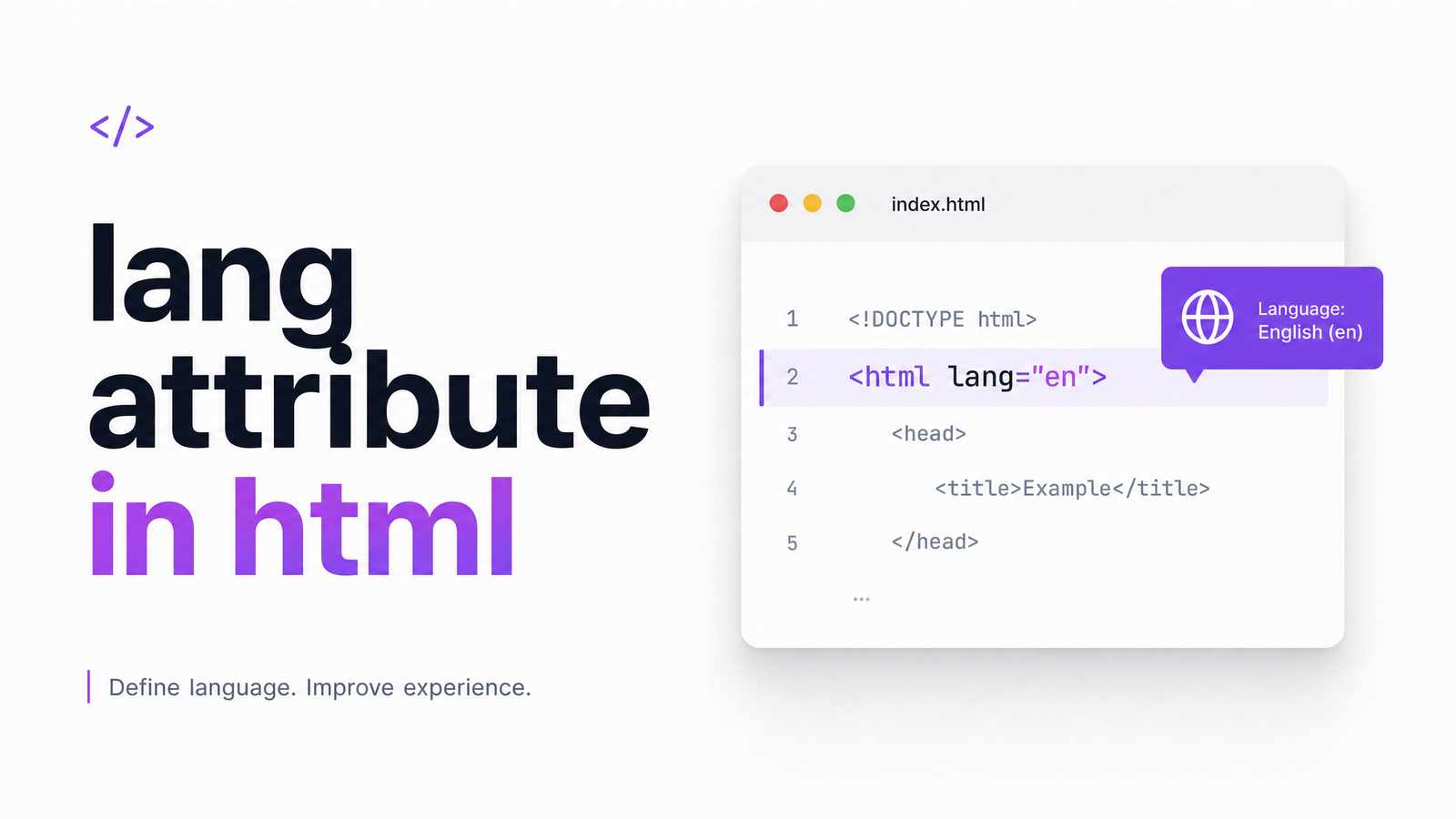
What Is the Lang Attribute in HTML?
The lang attribute in HTML tells browsers, assistive technology, and search engines which language a page — or a piece of it — is written in. It sits on the root element in almost every well-built page:
That's the most common html lang attribute example you'll encounter. Without it, software has to guess the language from the raw text, and guessing fails often enough to cause real problems. A screen reader needs to know whether to apply English or French pronunciation rules, and a browser needs to know whether to offer a translation prompt. One short attribute solves both.
Why It Matters: Accessibility, SEO, and UX
The lang attribute isn't a cosmetic detail — it's a compliance requirement. WCAG 3.1.1, Language of Page, is a Level A success criterion under WCAG 2.1 and 2.2, meaning it's part of the baseline for legal accessibility standards like ADA and EN 301 549. It requires that the default human language of every page be programmatically identifiable, which in practice means a valid lang value on . Its companion, WCAG 3.1.2 (Language of Parts), extends that requirement to any passage within the page that switches to a different language.
Lang attribute accessibility failures show up immediately with assistive tech. Screen readers like NVDA, JAWS, and VoiceOver use the lang value to select a pronunciation engine and voice profile. Get it wrong, and a screen reader may read French text with English phonetics, or an Arabic name with the wrong cadence entirely — technically readable, practically incomprehensible. Browsers also lean on lang: Chrome and Edge use it to decide when to surface an auto-translate prompt, and an incorrect or missing value produces awkward or unnecessary translation offers.
To be precise about SEO: the lang attribute is not a direct ranking factor. Search engines primarily infer language from the content itself. But it still supports how well that content is understood, indexed, and matched to the right audience segment, and it removes friction that otherwise degrades UX for a portion of your visitors — which indirectly affects engagement metrics search engines do care about.
Correct Syntax: BCP 47 Language Codes
Valid lang values follow the BCP 47 standard, which combines subtags: a primary language subtag, and optionally a script or region subtag, joined by hyphens.
A short html lang attribute list of valid, commonly used codes:
en— English, unspecified regionen-US— English, United Statesen-GB— English, United Kingdomes— Spanishfr-CA— French, Canadianar— Arabiczh-Hans— Chinese, simplified script
Language comes first, then an optional script or region tag, always in that order. The lang HTML global attribute page on MDN Web Docs is the authoritative reference if you need the full subtag registry.
For mixed-language content, apply lang directly to the element wrapping the foreign passage, not just the root tag:
The report concluded with a French phrase: c'est la vie.
For right-to-left languages such as Arabic or Hebrew, pair lang with the dir attribute so the text renders in the correct reading direction:
مرحبا بالعالم
Common Lang Attribute Mistakes
Most lang-related failures fall into a handful of repeating patterns:
Missing lang attribute entirely. The tag has no lang value at all — the single most common failure flagged by accessibility scanners and a direct WCAG 3.1.1 violation.
Invalid or misspelled codes. Values like lang="english" or lang="en_US" (underscore instead of hyphen) aren't valid BCP 47 tags, even though they look reasonable to a human reader.
Wrong regional code. en-uk is a classic example — it looks correct but isn't; the valid ISO region code for the United Kingdom is GB, so the correct tag is en-GB. This mistake is called out specifically in BOIA's explainer on how the lang attribute helps accessibility.
Only tagging the root element. Sites with multilingual content often set lang="en" on and stop there, ignoring embedded quotes, testimonials, or product names in another language — a direct gap against WCAG 3.1.2.
Copy-pasted template values. A page cloned from an English template that gets translated into Spanish but keeps lang="en" in the markup — an invalid lang attribute mismatch between the stated language and the actual content.
Every one of these is a missing lang attribute fix that a validator or automated scanner catches instantly, per the WCAG Level A rule documented in Rocket Validator's axe-core reference.
Lang Attribute vs. Hreflang: What's the Difference
These two are confused constantly, but they serve entirely different systems. Lang describes the language of the content that's actually on the page, and it's read by browsers and assistive technology to render and pronounce that content correctly. Hreflang, by contrast, is a signal aimed at search engines, telling them which language or regional version of a page to serve to a given searcher — it lives in tags or HTTP headers, not on itself.
Put simply: lang serves the person and their device right now; hreflang serves the search engine deciding which URL to rank for a French searcher versus a Canadian-French one. A properly built multilingual site typically needs both — it isn't an either/or choice, they solve adjacent but separate problems.
How to Check and Fix Lang Attribute Issues Site-Wide
Spot-checking is straightforward: right-click any page, choose "View Page Source" or open dev tools, and look at the opening tag. Repeat that across a handful of templates and you'll catch obvious root-level gaps.
That approach breaks down fast on any site beyond a handful of pages. Templates get overridden, CMS plugins inject markup, and multilingual sections accumulate lang-vs-hreflang inconsistencies nobody notices until an audit or a legal complaint surfaces them. Tools built on axe-core can flag invalid lang attribute values automatically, but running them page-by-page is still manual work at scale.
A practical checklist to fix lang attribute html issues sitewide:
- Confirm the root
tag carries a valid BCP 47 code on every template and page type. - Check embedded foreign-language passages — quotes, testimonials, product names — for missing
langon the wrapping element. - Verify regional codes against the ISO standard (GB, not UK; CA, not CAN).
- Cross-check hreflang tags against lang values so both systems agree on language and region.
- Re-scan after every CMS update or template change, since these are exactly the moments that silently reintroduce errors.
Manually repeating that checklist across dozens or hundreds of pages isn't realistic for most teams. Optimevra's audit tool crawls a full site and flags missing, invalid, or inconsistent lang attributes automatically, alongside the broader accessibility, UX, and performance issues quietly costing you conversions. If you want to see exactly where your pages stand, run a live demo, compare pricing plans once you see the scope of issues, or start from the Optimevra homepage to explore everything the platform checks beyond this one attribute. For related fixes, see our guide on meta tag viewport syntax and accessibility and our check on mobile-friendliness heading into 2026.
Frequently Asked Questions
What does the lang attribute actually do in HTML?
It identifies the human language of a page's content so browsers, screen readers, and search engines can process it correctly. Screen readers use it to select pronunciation rules and voices, browsers use it to decide whether to offer translation, and search engines use it as one signal among many for understanding content language.
What is the correct syntax for setting a lang attribute?
Set it as a BCP 47 code on the tag, such as or , using a hyphen to separate the language subtag from an optional region or script subtag. For mixed-language passages, apply lang directly to the specific element — a or — that contains the foreign-language text.
Which WCAG success criteria require the lang attribute?
WCAG 3.1.1 (Language of Page) is a Level A criterion requiring a valid lang value on the page's root element. WCAG 3.1.2 (Language of Parts) extends this requirement to individual passages within the page written in a different language than the default.
What happens if a page is missing the lang attribute?
Screen readers default to a fallback pronunciation engine, often mispronouncing content, and browsers can't reliably trigger translation prompts. It also constitutes a direct WCAG 3.1.1 Level A failure, which can put a site out of compliance with accessibility laws like the ADA.
How is the lang attribute different from hreflang?
Lang describes the language of the content on the current page for browsers and assistive technology, while hreflang tells search engines which language or regional version of a page to serve to a given searcher. They operate independently, and a well-built multilingual site typically needs both configured correctly.
Originally published on Rankevra.