
Track Website Visitors in 2026: What Actually Works
September 15, 2026
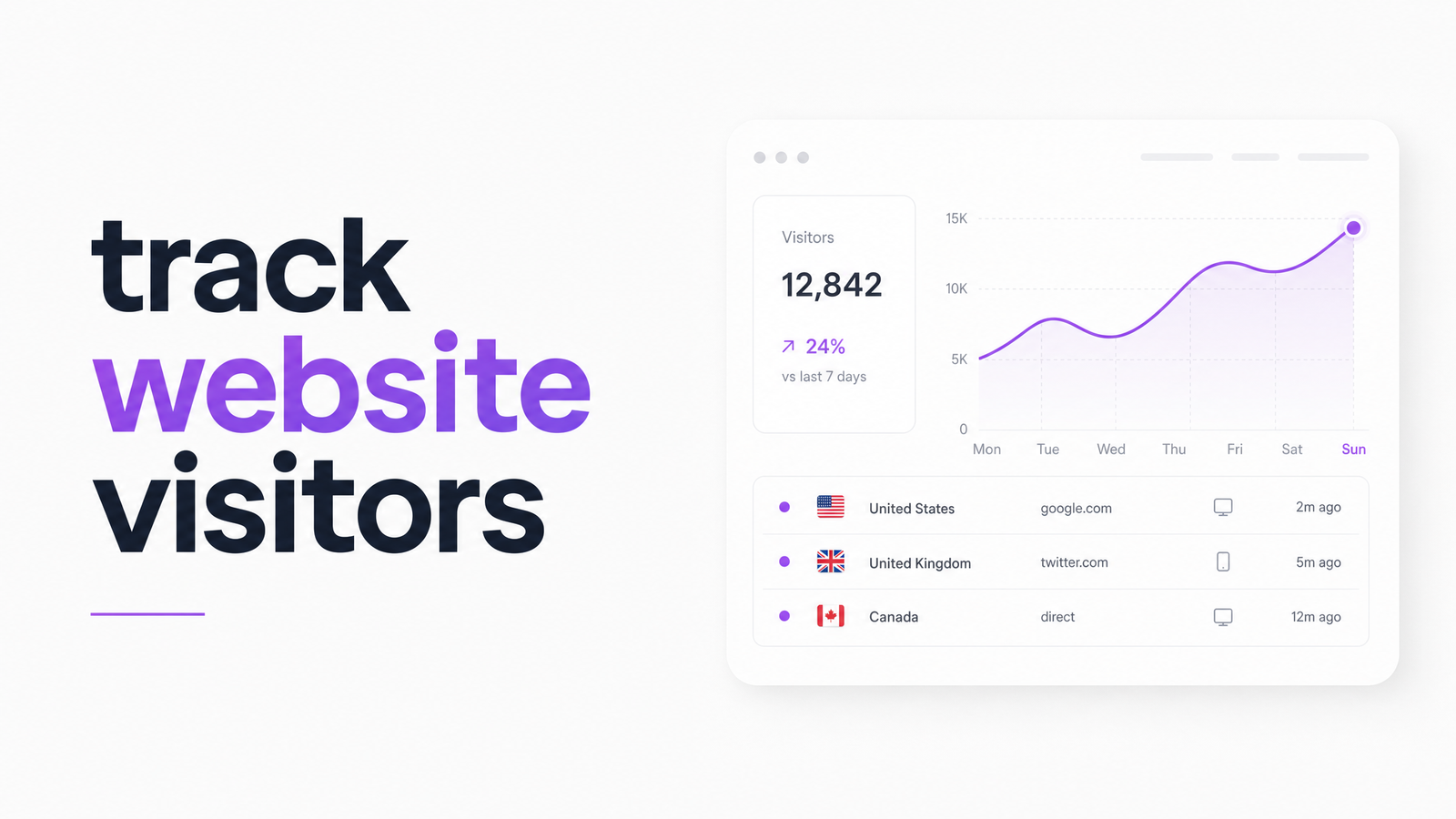
Most people searching for ways to track website visitors are really asking three questions at once: how many people came, who they were, and what they did once they landed. Conflating those questions is why so much advice on this topic feels either too basic or too vague to act on. Here's the practical version, including how the cookie situation actually shook out in 2026 and what to do with visitor data once you have it.
What "Tracking Website Visitors" Actually Covers
"Track website visitors" is an umbrella phrase covering three distinct layers, and knowing which one you need saves you from buying the wrong tool.
Traffic-level tracking counts visits, sources, and pages viewed in aggregate — sessions, bounce rate, referral channels. Identity-level tracking goes further, trying to attach a name, company, or contact to an anonymous session. Behavior-level tracking ignores identity entirely and instead records what a visitor did on the page — where they clicked, how far they scrolled, where they hesitated.
Done well, visitor tracking usually means running one tool from each layer, not one tool that claims to do all three. If you only need traffic counts, an identity-resolution platform is overkill; if you're trying to qualify B2B leads, traffic numbers alone won't help. For a broader look at how these concepts fit together, Site Tracking in 2026: What It Means and How to Use It covers the fuller picture.
3 Ways to Track Who's on Your Site
1. Analytics platforms (traffic-level). Tools like GA4 or privacy-focused alternatives show volume: how many visitors arrived, which channel sent them, which pages they viewed, and where they dropped off in a funnel. What they can't show is who any individual visitor was or why they left — analytics reports patterns across thousands of sessions, not the reasoning behind one.
2. IP address and identity-resolution tools (identity-level). IP address visitor tracking matches a visitor's IP to a database of known business IP ranges, then surfaces the company (and sometimes contacts within it) associated with that address. It's genuinely useful for B2B lead generation — seeing that someone from a target account browsed your pricing page is high-value signal. The limits are real, though: residential IPs, VPNs, and shared corporate networks make anonymous visitor identification unreliable for consumer traffic, and you're identifying an organization, not the specific human browsing. Reverse-lookup accuracy also degrades as more visitors browse from mobile networks that don't map cleanly to a company.
3. Heatmaps and session replay (behavior-level). These tools record mouse movement, clicks, scroll depth, and full session replays so you can watch, functionally, what a real visitor did on a specific page. They answer "did anyone notice this button?" or "where did people get stuck in this form?" in a way analytics numbers never will. For a full breakdown, see Heatmap Software Explained: What It Is & How It Works.
Can You Track Visitors Without Cookies in 2026?
The "third-party cookies are disappearing" narrative that dominated marketing conversations for years didn't fully play out. Chrome ultimately kept third-party cookies available, shifting to a user-choice model rather than full deprecation, while Safari and Firefox continue blocking them by default as they have for years. So the 2026 landscape is fragmented rather than cookie-free: some traffic can still be tracked with third-party cookies, a meaningful chunk can't, and the split varies by browser and by how privacy-conscious your audience is.
That fragmentation is exactly why first-party, consented tracking is the safer long-term strategy regardless of what any single browser decides next. If you want to track website visitors without cookies, first-party approaches — server-side tracking, logged-in user data, and consented on-site analytics you control — work consistently across every browser, since they don't depend on a mechanism a vendor could change again. Several analytics and heatmap tools now offer cookie-free or cookie-light modes built on first-party data, one of the more reliable ways to track visitors without cross-browser inconsistency.
Staying Compliant While You Track Visitors
Identifying and observing visitors touches privacy law, so a few basics matter before you install anything. Under GDPR, tracking that uses cookies or similar identifiers generally requires informed consent before non-essential scripts fire — a properly configured cookie banner with real opt-out capability, not a decorative one, is the baseline. CCPA and similar US state laws take a different approach, focused on disclosure and the right to opt out of data sale rather than upfront consent, but the practical advice converges: be transparent about what you collect, give visitors a real choice, and favor first-party data you collect and control directly over third-party data brokers. Visitor tracking privacy isn't a reason to avoid tracking — it's a reason to be deliberate about which tools you use and how you disclose them.
From Visitor Data to Actual Fixes
Here's the gap that trips up most site owners: tracking tools tell you who showed up, where they came from, and which pages they touched. None of that tells you why they left without converting. A heatmap can show visitors scrolling past your pricing table without clicking — it can't tell you whether that's confusing copy, a price that feels high, or an invisible CTA. Analytics can show a 70% bounce rate on a landing page without explaining what's driving people away.
That interpretation gap is where an AI audit layer earns its keep. Optimevra takes the same visitor and page data these tracking tools surface and runs it through automated UX, accessibility, performance, and conversion analysis — flagging the specific issues (confusing navigation, slow load times, accessibility barriers, weak calls to action) quietly causing the traffic your tracking tools already found to leave empty-handed. If you're ready to move from watching visitors to fixing what's driving them away, the Conversion Rate Optimization Audit: A 6-Step Framework lays out the process, and Website Analysis: The 5 Core Types & How to Run One is a solid next step for a full-site view.
Knowing who visited and what pages they touched is only half the job — an Optimevra audit tells you why they didn't convert. See it applied to a real site in the live demo, or check pricing if you're ready to run one on your own.
Frequently Asked Questions
Can you see the exact identity of someone who visits your website?
Not reliably for individual consumers. IP-based identity resolution can often identify the company or organization behind a visit on business networks, but it typically can't pinpoint the specific person, and it's largely ineffective on residential IPs, mobile networks, or VPN traffic.
Is it legal to track website visitors without their consent?
It depends on the tracking method and your visitors' location. Under GDPR, non-essential tracking generally requires informed consent via a functioning cookie banner, while CCPA focuses more on disclosure and opt-out rights; first-party, transparently disclosed tracking is the lowest-risk approach either way.
What's the difference between tracking visitor traffic and tracking visitor behavior?
Traffic tracking counts aggregate numbers — sessions, sources, page views — across all visitors, showing patterns but not individual reasoning. Behavior tracking, like heatmaps and session replay, shows what a specific visitor actually did on a page, such as where they clicked or scrolled, explaining on-page experience in a way traffic numbers can't.
Do you still need visitor tracking if third-party cookies are going away?
Yes, and the premise is slightly off — third-party cookies didn't fully disappear in 2026; Chrome kept them as a user choice while Safari and Firefox still block them. First-party, consented tracking works regardless of any single browser's cookie policy, making it the more durable strategy either way.
What's the easiest free way to start tracking website visitors?
A free-tier analytics platform paired with a first-party, cookie-light heatmap tool covers both traffic counts and on-page behavior without relying on third-party cookies. This combination works across all major browsers and gives you visibility into both how many people visit and what they do once they're there.
Can tracking tools tell me why visitors leave without converting?
No — tracking tools show who visited, where they came from, and what pages or elements they interacted with, but they don't diagnose the underlying UX, accessibility, or performance problems causing drop-off. That diagnostic step requires an audit tool, like an AI-powered site audit, that analyzes the page itself rather than just visitor activity on it.
Originally published on Rankevra.