
Tracking Website Hits: What It Really Means in 2026
September 25, 2026
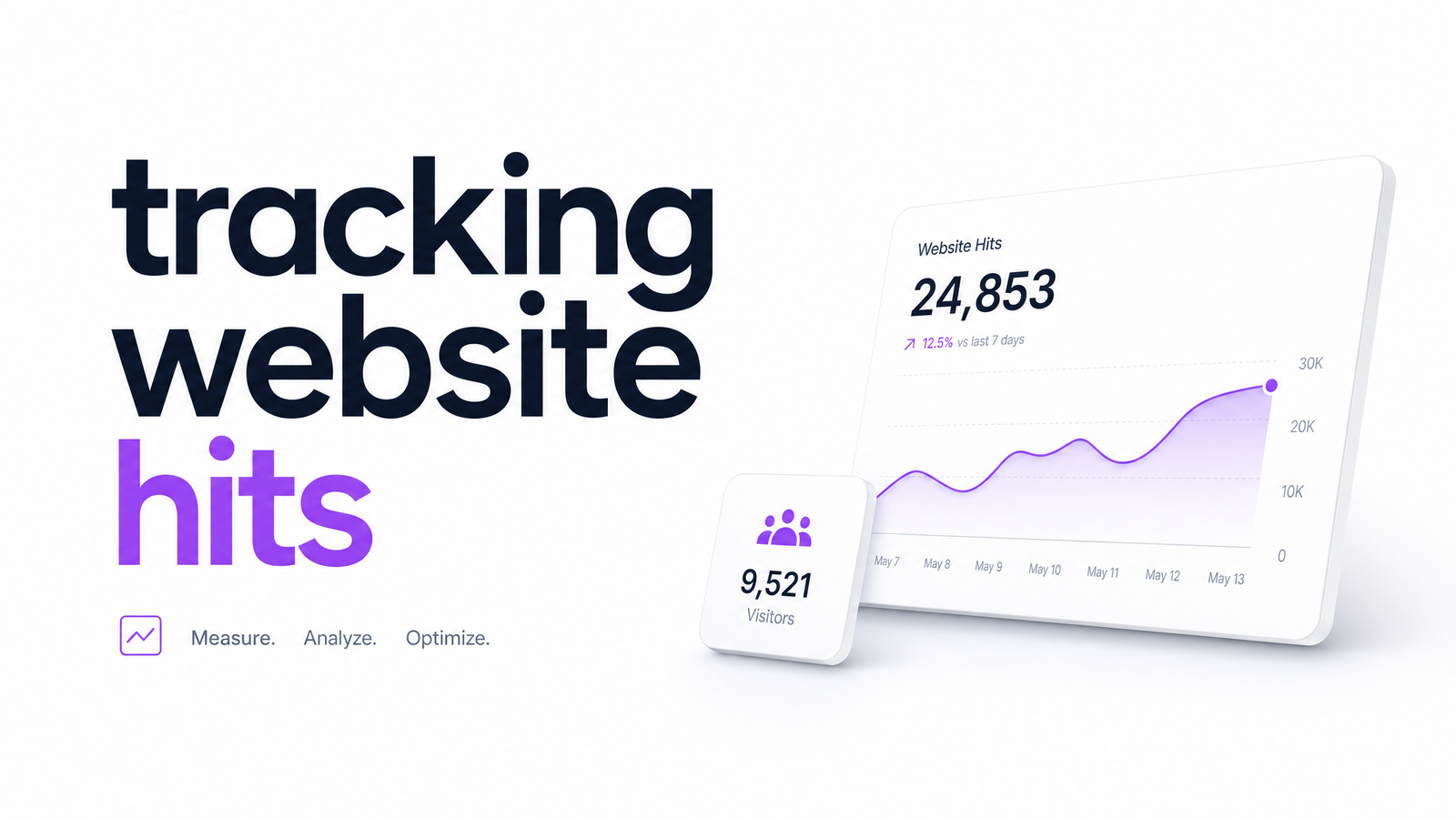
Search "tracking website hits" and you'll find a term that outlived the technology it described. If you're trying to figure out how many people visit your site, "hits" is the wrong word to chase — it has nothing to do with real visitors.
What Does 'Tracking Website Hits' Actually Mean?
A "hit" is legacy Universal Analytics (UA) jargon for a single HTTP request sent to the analytics server — not a visitor, and not even necessarily a pageview. In UA's model, a hit could be a pageview, an event, a social interaction, or an e-commerce transaction; each fired as its own hit, and a single page could generate several at once. TimeToData's breakdown of the Google Analytics hit explains this clearly: a hit is tied to one interaction, not one person.
That model died with Universal Analytics. UA stopped processing data in mid-2023, replaced by GA4's event-based structure, where — as Footprint Digital notes — every hit is just an event, with no distinct hit types to sort through. So when people search "what does hits mean" today, the honest answer is: it's a term from a discontinued system, and framing goals around "website hit meaning" means measuring with a ruler nobody manufactures anymore.
Hits vs. Pageviews vs. Sessions vs. Users: Why It's Confusing
These four terms sound interchangeable but measure completely different things:
- Hits — every individual request sent to the analytics server (legacy UA term). One pageview could fire multiple hits behind the scenes.
- Pageviews — one instance of a page loading in a browser. Still useful in GA4, just not called a "hit."
- Sessions — a group of interactions (pageviews, clicks, events) from one user within a given time window, typically ending after 30 minutes of inactivity.
- Users — the actual number of distinct people visiting your site, regardless of sessions or pageviews generated.
This is the core of the hits vs pageviews mix-up: a high hit count says nothing about how many real people showed up. Website hits vs visitors is an even bigger gap — one visitor refreshing a page repeatedly could rack up dozens of hits and still count as a single user. Sessions vs users analytics adds another layer: one user can create multiple sessions across days without your visitor count actually growing. RudderStack's comparison of GA4 and Universal Analytics is a solid technical reference for the full architectural difference between the two models.
What to Track Instead of Raw Hits
Once you drop "hits" as a goal, the useful metrics become obvious. Track pageviews to understand content reach, sessions to see engagement patterns, traffic sources to know where visitors originate, and conversion events to measure whether any of it matters to your business — these are the meaningful analytics metrics that actually connect to outcomes like signups, purchases, form fills, and demo requests.
Website traffic tracking done right isn't about maximizing a single number; it's about building a picture of who arrives, where they came from, and what they do next. Conversion events deserve as much attention as raw visit counts — arguably more, since traffic without action is just server load.
How to Set Up Website Traffic Tracking (Quick Steps)
Here's how to track real traffic, in under 15 minutes:
- Pick a tool based on your technical comfort. GA4 for full-featured, free tracking; a privacy-first tool if you want simplicity; server logs if you'd rather skip scripts entirely.
- Install the tracking tag. Paste the snippet into your site's
, or use a tag manager if you're not comfortable editing code directly. - Verify data in real-time view. Open your own site in a new tab and confirm the tool registers your visit within a minute or two.
- Set up a handful of goal or conversion events. Don't try to track everything — pick 3-5 actions that actually matter (purchase, signup, contact form submit) and configure those first.
That's the entire GA4 setup basics checklist. Anything beyond this — custom dimensions, advanced segments, cross-domain tracking — can wait until the fundamentals are running and verified.
Which Tool Should You Use? A Quick Decision Guide
There's no single best tool — it depends on your priorities:
- GA4 or Matomo — best if you want full-featured reporting, audience breakdowns, and integration with ad platforms. Matomo also offers self-hosting for full data ownership. Both have a learning curve.
- Privacy-first analytics (Fathom, Simple Analytics, Plausible) — best for non-technical owners who want a clean dashboard, no cookie banners, and GDPR-friendly tracking without configuring events manually.
- Server log analysis — best if you want zero scripts on your site and don't mind working with raw request data; less friendly for conversion tracking, but useful for a no-JavaScript baseline.
For most small business owners, it comes down to this: GA4 if you need free and deeply integrated with Google Ads/Search Console, Matomo if data ownership matters, and a privacy-first tool if you just want traffic numbers without the setup overhead.
Rising Traffic, Flat Results? What Hit Counts Can't Tell You
Here's the uncomfortable part: none of these tools, no matter how well configured, tell you why visitors leave without converting. Traffic tracking answers "did people show up." It doesn't answer "why is my traffic not converting" — a question that requires looking at the actual experience visitors have once they land.
Website visitors but no conversions is one of the most common patterns site owners report, and it's rarely a traffic problem. It's usually a UX, accessibility, or performance issue: confusing navigation, slow load times, broken forms, or a checkout flow that loses people at the last step. Rising traffic can mask a struggling website for months if you're only watching the top-line numbers. Our piece on analytics and user experience working together goes deeper into bridging that gap between what your traffic data shows and what it means for design decisions.
Frequently Asked Questions
Is a website 'hit' the same as a visitor?
No. A hit is any single HTTP request sent to the analytics server — it could be a pageview, an event, or a transaction, and one visitor can generate many hits in a single session. A hit count tells you nothing about how many distinct people actually visited your site.
Why don't analytics tools use the word 'hits' anymore?
Because Universal Analytics, the system that used "hits" as its core measurement unit, stopped processing data in mid-2023. GA4 replaced it with an event-based model where every interaction is simply logged as an event, eliminating the confusing hit-type categories UA used.
What's the difference between hits, pageviews, sessions, and users?
Hits are individual server requests (a legacy term), pageviews count single page loads, sessions group a user's interactions within a time window, and users represent distinct people. A single user can produce many hits, several pageviews, and multiple sessions over time.
Can I still track hits if I'm on Universal Analytics?
No. Universal Analytics stopped collecting new data in mid-2023, so it's no longer processing hits or anything else. If your site still references UA, you need to migrate to GA4 or another current analytics platform to get accurate traffic data.
What's the easiest free tool to track website traffic in 2026?
GA4 remains the most widely used free option, especially if you also use Google Ads or Search Console. If you want something simpler with less setup, privacy-first tools like Plausible or Fathom offer clean dashboards, though they typically require a paid plan for full features.
How do I know if my traffic numbers are actually good?
Good traffic numbers depend on whether visitors take the actions that matter to your business, not on raw volume. A site with modest traffic but strong conversion rates is outperforming one with heavy traffic and no signups or sales — track conversion events alongside visits to get the real answer.
Tracking hits, pageviews, or sessions only tells you that people showed up — it can't tell you why they left without buying, signing up, or filling out a form. If your traffic looks healthy but results don't, the next step is diagnosing the experience itself: run a UX audit to find what's actually costing you conversions, or jump straight into the live demo to see how Optimevra surfaces UX, accessibility, and performance issues your analytics dashboard can't. Visit Optimevra to see what's quietly costing your website conversions.
Originally published on Rankevra.