
Website Visitor Tracking: What It Really Means in 2026
September 20, 2026
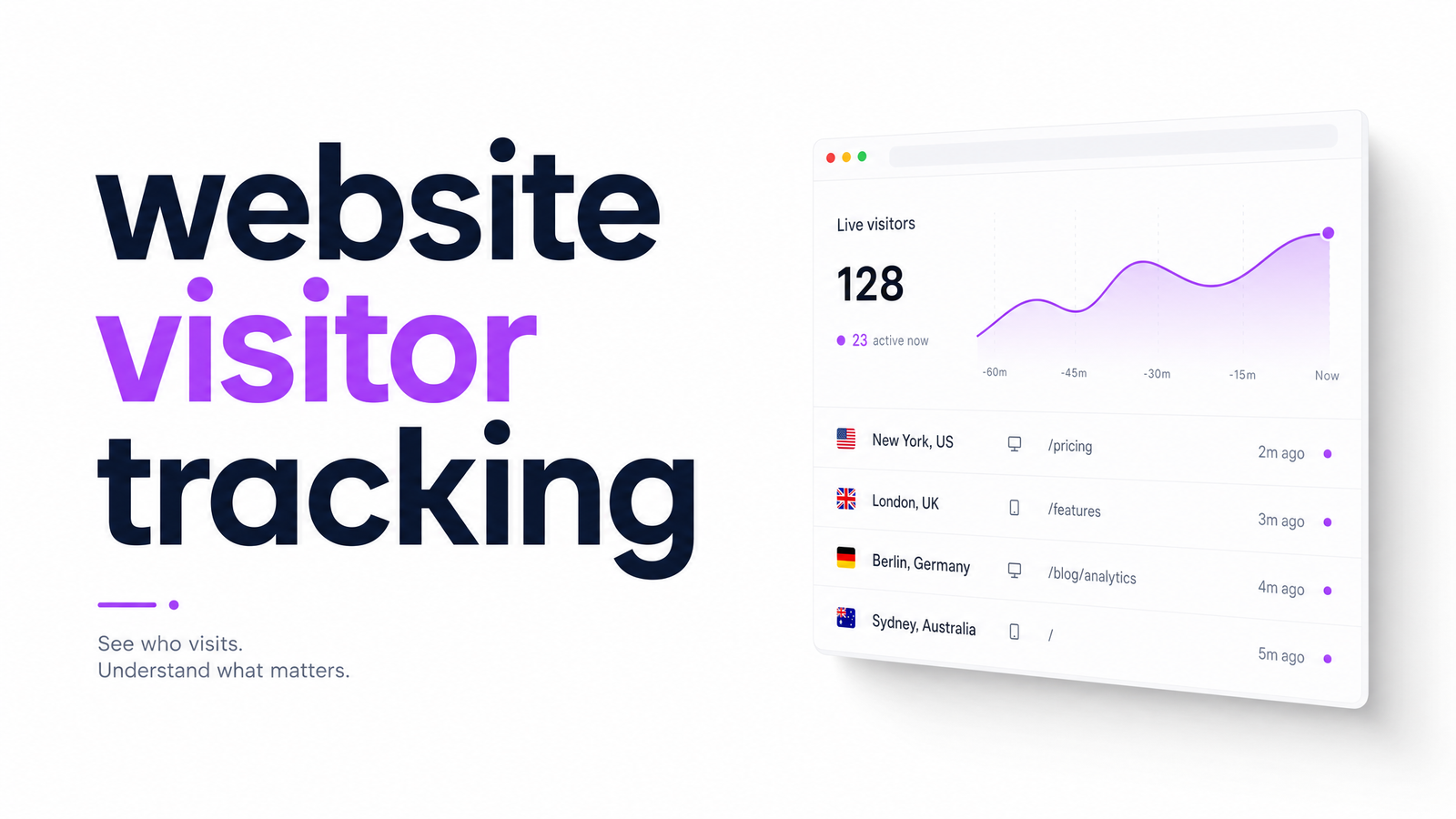
Most people searching "website visitor tracking" already have some tool installed — Google Analytics, a heatmap widget, maybe a visitor counter badge — and still can't answer basic questions about what it's doing or whether it's legal. That's not a personal failing; the term covers a messy pile of overlapping technologies, and guidance has shifted enough in the last two years that older explainers are quietly wrong. This article sorts out what website visitor tracking means today, how it technically works, where the legal lines sit, and what to do once you have the data.
What Website Visitor Tracking Actually Means
At its broadest, website visitor tracking is any method a site uses to observe who's visiting, what they do, and how they got there. That umbrella covers several categories people routinely lump together:
- Analytics platforms (Google Analytics, Plausible, Matomo) that aggregate sessions, pageviews, and conversion funnels.
- Heatmaps and session recordings that show where people click, scroll, and hesitate.
- Tracking scripts and pixels from ad platforms, CRMs, or chat widgets, often running silently alongside your main analytics.
- Visitor counters, a different beast entirely — usually a display widget, sometimes real, often decorative. If that's what you're really asking about, our breakdown of visitor counters versus real tracking untangles that confusion.
The common thread is data collection about visitor behavior for some downstream purpose — measurement, personalization, retargeting, or optimization. The rest of this piece treats "website visitor tracking" in that broad sense, then narrows toward the compliance and action questions that matter for decision-making.
How Visitor Tracking Works: The Core Methods
Four mechanisms do most of the work, and you don't need to be a developer to grasp them.
Cookies — small files a browser stores per site — come in two flavors. First-party cookies are set by the site you're visiting and typically handle logins, preferences, and basic analytics. Third-party cookies are set by a different domain than the one in the address bar, usually for cross-site ad tracking, and they're what privacy regulation targets most aggressively.
Server logs are the oldest method: every request to your web server gets recorded with an IP address, timestamp, and requested page, no script required. It's crude but useful for security and raw traffic counts.
Tracking pixels and tags are tiny snippets (often invisible 1x1 images or JavaScript calls) that fire when a page loads, reporting back to an ad network, analytics tool, or CRM. Most sites accumulate far more of these than the owner realizes, layered in over years by different marketing tools. If you've never audited what's firing on your own pages, Tracking Web Explained walks through how to find out.
Browser fingerprinting skips cookies altogether, identifying a visitor by combining device and browser characteristics — screen resolution, fonts, timezone, installed plugins — into a near-unique signature. It's harder to block than cookies, which is exactly why regulators treat it with growing suspicion.
Is Website Visitor Tracking Legal? What GDPR and CCPA Require
Generally yes, but the legal mechanism matters, and this is where most sites quietly fall short. Under GDPR, any non-essential cookie or tracking script — anything beyond what's strictly necessary to run the site — requires prior opt-in consent, not a banner that assumes consent until someone opts out. Current guidance is explicit that consent must be granular (separate categories for analytics, marketing, etc.), freely given, and never obtained through pre-ticked boxes or "accept all" set as the only visible option, per the GDPR cookie consent checklist for 2026.
CCPA (and its successor, CPRA) works differently: it doesn't require opt-in consent for most tracking but does require disclosure and an easy opt-out for the sale or sharing of personal data, plus a functioning "Do Not Sell or Share My Personal Information" mechanism for California residents. Enforcement on both fronts has tightened — regulators are actively fining sites over dark-pattern cookie banners and undisclosed third-party scripts, not just theoretical bad actors. If you're evaluating your own setup, check how a tracking-adjacent SaaS handles this itself — Optimevra's Cookie Policy is a reasonable reference for what transparent disclosure looks like in practice.
Do Third-Party Cookies Still Matter in 2026?
Here's the assumption worth correcting: Chrome did not end up blocking third-party cookies by default. Google repeatedly delayed and ultimately walked back its Privacy Sandbox deprecation plan, so Chrome — still the majority browser — continues to allow third-party cookies as of 2026. Safari and Firefox, by contrast, have blocked them by default for years already, as detailed in this rundown of the current cookie landscape.
So third-party cookies aren't dead, but they're not reliable either — a meaningful and inconsistent share of your traffic already blocks them, and that share isn't shrinking. That's why cookieless tracking approaches (first-party data, server-side tagging, consent-based collection) are the safer long-term bet regardless of what Chrome eventually does. Betting your analytics on a mechanism that already fails silently for a chunk of visitors, and remains under regulatory pressure everywhere else, isn't a strategy — it's a gap you haven't noticed yet.
Choosing the Right Tracking Approach for Your Site
There's no single correct visitor tracking software — the right choice depends on traffic volume, technical resources, and compliance risk. A low-traffic site with no EU or California visitors can often get by with a lightweight, privacy-respecting analytics tool and minimal consent infrastructure. A growing agency site serving multiple regions needs first-party, consent-gated tracking plus a documented legal basis for every script it runs. A high-traffic e-commerce store needs both compliance rigor and enough data depth to diagnose conversion problems, usually meaning analytics combined with behavioral tools like heatmaps or session replay.
Rather than re-litigating every tool option here, our category map to the right tracking tool breaks down which class of tool fits which situation — worth reading before you commit budget to any single platform.
From Tracking to Action: What to Do With Visitor Data
Tracking answers "did visitors show up, and what did they click?" It rarely answers "why did they leave without converting?" — and that gap is where most tracking investments stall. Knowing that 4,000 people hit your pricing page and 3,960 left without acting is a fact, not an insight. Website conversion optimization requires interpreting that pattern: is the copy unclear, is the page slow, is a form field broken on mobile, is a trust signal missing?
That's the layer an AI website audit adds on top of raw tracking — automatically flagging the UX, accessibility, and performance issues most likely causing visitors to drop off, instead of leaving you to eyeball a heatmap and guess.
Tracking data only pays off once it changes something on the page. If you're already collecting visitor behavior but not sure what's actually costing you conversions, see it firsthand in Optimevra's live demo, or compare plans on the pricing page when you're ready to move from watching visitors to fixing why they leave. Start at Optimevra.
Frequently Asked Questions
Does website visitor tracking require a cookie banner?
It requires a cookie banner whenever the tracking uses non-essential cookies or scripts, which covers most analytics and marketing tools. Under GDPR, that banner must offer a genuine opt-in choice, not a pre-checked "accept all" default. Purely essential cookies, like those needed for login or checkout, don't require consent.
Can I track website visitors without using cookies?
Yes — server logs, server-side tagging, and aggregated first-party analytics can measure traffic without setting cookies at all. Browser fingerprinting also avoids cookies but carries its own, often heavier, regulatory scrutiny. Cookieless approaches are increasingly the default for privacy-conscious sites.
What's the difference between website visitor tracking and a visitor counter?
Visitor tracking collects behavioral data — pages viewed, time on site, click paths — for analysis. A visitor counter is usually just a display widget showing a number, and it's frequently inflated or decorative rather than a real analytics feed. They serve entirely different purposes despite the naming overlap.
How long do websites keep visitor tracking data?
Retention varies by tool and policy, but GDPR requires data be kept no longer than necessary for its stated purpose, which pushes many sites toward 14- to 26-month retention windows for analytics data. Server logs are often kept shorter, for security auditing rather than analysis. Any retention period should be disclosed in the site's privacy or cookie policy.
Is Google Analytics considered visitor tracking under GDPR?
Yes, Google Analytics counts as tracking under GDPR because it typically sets cookies and processes personal data like IP addresses. That means it generally requires prior user consent in the EU, and sites using it need a documented legal basis and clear disclosure.
Do I need visitor tracking if I already have Google Analytics installed?
Analytics alone tells you traffic volume and basic behavior, but it rarely explains why visitors abandon a page or fail to convert. Many sites pair Google Analytics with heatmaps, session recordings, or an AI-driven audit tool specifically to close that explanatory gap.
Originally published on Rankevra.