
Page Tracker: What It Is, What It Misses, How to Fix It
September 30, 2026
What Is a Page Tracker?
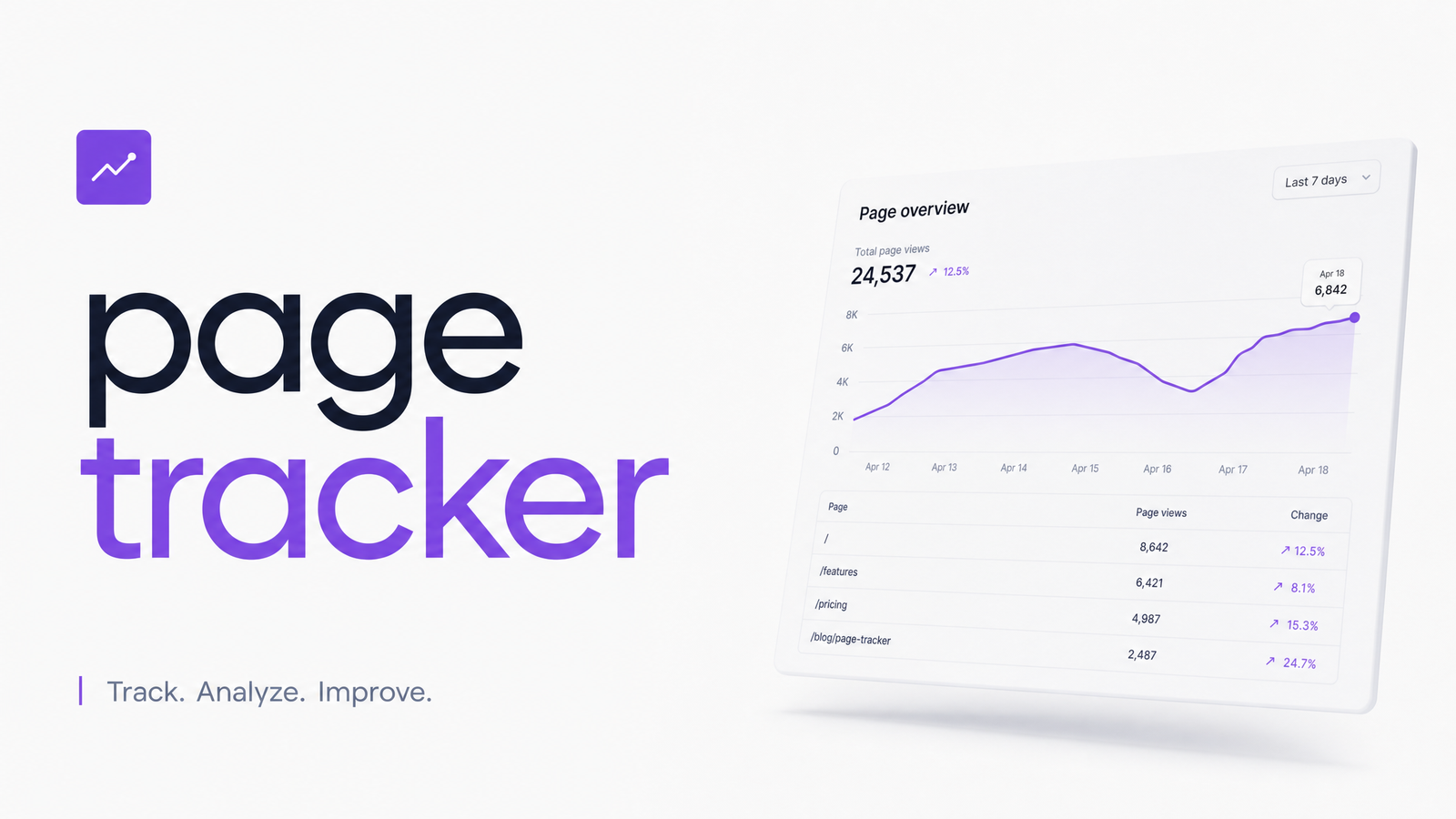
A page tracker is software or a script that records activity on individual web pages — typically page views, visitor counts, and basic engagement signals, attached to a specific URL. It's a category, not a single product: some page trackers are lightweight plugins, some are built into hosting dashboards, and some are stripped-down modules inside bigger platforms.
"Page tracker" often gets used loosely as a stand-in for analytics, heatmaps, and session replay — three genuinely different tool types. A full analytics suite (like GA4) layers audience data, conversion funnels, and cross-session behavior on top of page-level tracking. A heatmap or session-replay tool shows how people interact with a page — clicks, scrolls, mouse movement, rage clicks — visually and qualitatively. A page tracker, by contrast, usually just answers "how many people visited this page, and roughly what did they do while there."
Think of it as the counter at the door: it tells you traffic volume and basic flow. It doesn't tell you why visitors left, what confused them, or whether the page even rendered correctly for them.
What a Page Tracker Actually Measures
A solid page view tracker typically reports a consistent set of metrics:
- Page views — total loads of a given URL, including repeats from the same visitor.
- Unique visitors — distinct people (via cookies, device ID, or session ID) viewing the page.
- Time on page — how long a page stayed active in a browser tab, though this is notoriously imprecise for last-page sessions.
- Scroll depth — how far down a page a visitor scrolled, usually reported in percentage bands (25%, 50%, 75%, 90%).
- Exit rate — the percentage of sessions where that page was the last one viewed before the visitor left the site.
- Referrer and entry data — where traffic came from and which page started the session.
If your current tool doesn't surface most of these, it's probably a stripped-down hit counter, not a real page tracker. Related but distinct metrics — like raw "hits," which count every file request rather than page loads — get confused with page views constantly; the difference is worth understanding on its own, and we cover it in Tracking Website Hits: What It Really Means in 2026.
How Page Trackers Collect Data
Page tracking software generally collects data through one of three methods, and the method explains a lot about the numbers you're seeing.
Client-side script or pixel. A snippet of JavaScript fires when a page loads, sending an event to a collection server. This is the most common approach (GA4, most SaaS trackers) because it's easy to install and captures rich browser-side context. Its weakness: it only fires if the script actually loads and executes.
Server-side log parsing. Instead of relying on the browser, this method reads your web server's raw access logs — every request that hit the server. It catches traffic that never runs JavaScript, including some bots, but it can't see client-side rendering events, so single-page app route changes are often invisible to it.
Real user monitoring (RUM). RUM sits between the two — still client-side, but it captures deeper performance and rendering signals (load time, interaction delay, layout shift) alongside basic page data, not just a page-view count.
Each method has blind spots the others cover. That's a major reason two tools on the same site rarely produce identical numbers — they're not always measuring the same event in the same way.
Where Page Tracking Breaks Down
This is where most "page tracker" guides stop short, and where the real technical gaps live.
SPA page tracking is often broken by default. Single-page apps built in React, Vue, or Next.js don't reload the page when a user navigates — the URL changes, but no new page load fires. Trackers configured for traditional multi-page sites often miss these route changes entirely unless the developer manually fires a virtual pageview event on every route transition. Skip that step, and your dashboard shows one inflated "landing page" view instead of the five internal pages a visitor actually browsed.
Scroll depth events aren't always what they seem. GA4's default scroll tracking, for example, only fires a single event once a visitor crosses roughly 90% of a page's height — it doesn't give you a smooth 25/50/75 breakdown out of the box. Teams that assume they're getting granular scroll data are often working from one blunt signal.
Bots inflate raw counts. Crawlers, uptime monitors, and scraper bots generate page loads that look identical to real visits unless the tracker actively filters known bot signatures — and even good filters miss newer or unlisted bots.
Ad blockers and consent tools suppress scripts. A meaningful share of visitors run ad blockers or reject tracking consent banners, and most client-side script trackers simply never fire for them. That traffic doesn't show up as "blocked" — it just doesn't show up.
Put those four factors together and it's obvious why a page tracker vs heatmap comparison, or even two page trackers side by side, rarely agree: they're sampling different populations of visitors, using different detection logic, on different collection methods. Discrepancies aren't necessarily a bug — they're a byproduct of how tracking actually works. Once you understand where the gaps are, you'll also see why raw numbers alone can't diagnose a UX problem — for that, a heatmap layer helps, which we cover in the Heatmap Application Guide.
How to Choose a Page Tracker
Skip the "best page tracker for website" listicles and evaluate against a short, practical checklist instead:
- SPA support — does it fire events on virtual route changes, not just full page loads?
- Per-page breakdowns — can you isolate metrics by URL, not just site-wide aggregates?
- Real-time data — is there a live view, useful for verifying tracking during launches or campaigns?
- Privacy and consent compliance — does it respect consent management and regional privacy rules by default?
- Exportability — can you pull raw data out for your own analysis, or are you locked into one dashboard view?
If you're testing a free page view tracker before committing to a paid one, run it alongside your existing setup for a week and compare the gaps — that discrepancy alone tells you a lot about each tool's blind spots.
Tracking a Problem Isn't the Same as Fixing It
A page tracker's real job is flagging which pages underperform — high exit rate, low scroll depth, a traffic spike that doesn't convert. It's not built to tell you why. That page with a 70% exit rate might be failing because of a slow load time, a broken mobile layout, an accessibility barrier that stops assistive-tech users from completing a form, or simply confusing UX that never gets triggered as an "error" in any dashboard.
That's the layer an automated website audit adds. Optimevra scans flagged pages for the accessibility, performance, and conversion issues that page tracking data can point toward but never diagnose — turning "this page underperforms" into a specific, prioritized list of fixes. If you want a structured process for turning tracking data into action, see How to Run a UX Audit Website Owners Can Actually Use.
Your page tracker tells you what happened on a page. It won't tell you why it's costing you conversions or who it's failing. Run your problem pages through Optimevra's live demo to see the audit layer that adds the "why" and the fix list on top of the data you already have — or start at Optimevra to see the full picture.
Frequently Asked Questions
What's the difference between a page tracker and a heatmap tool?
A page tracker reports quantitative metrics like page views, unique visitors, and exit rate for a URL. A heatmap tool shows qualitative, visual behavior — where people click, how far they scroll, and where their attention concentrates on the page itself. They answer different questions and work best used together.
Is a page tracker the same thing as Google Analytics?
No — Google Analytics (GA4) is a full analytics suite that includes page tracking as one component alongside audience data, conversion funnels, and cross-session reporting. A standalone page tracker usually only covers the page-level metrics, without the broader account and funnel layer GA4 provides.
Can a page tracker accurately track single-page apps (React, Vue, Next.js)?
Only if it's specifically configured to fire virtual pageview events on route changes, since SPAs don't reload the page on navigation the way traditional sites do. Without that manual setup, most default trackers only register the initial page load and miss all subsequent in-app navigation.
Do ad blockers stop page trackers from recording visits?
Yes, most client-side script or pixel-based trackers simply never fire for visitors running ad blockers or rejecting consent prompts. That traffic doesn't get flagged as blocked — it's invisible in the data, which is one reason page view counts can undercount actual visits.
What metrics should I look for in a good page tracker besides page views?
Look for unique visitors, time on page, scroll depth, exit rate, and referrer/entry data at minimum. Together these show engagement and flow, not just raw traffic volume, and make it possible to spot underperforming pages rather than just popular ones.
Why do two page trackers on the same site show different numbers?
Different tools often use different collection methods — client-side scripts, server logs, or RUM — each with distinct blind spots around bots, ad blockers, and SPA route changes. Since they're effectively sampling different subsets of visitors with different logic, some variance between tools is normal rather than a sign either one is broken.
Originally published on Rankevra.