
Site Crawl Explained: What It Is and How to Run Your Own
September 21, 2026
What Is a Site Crawl, Really?
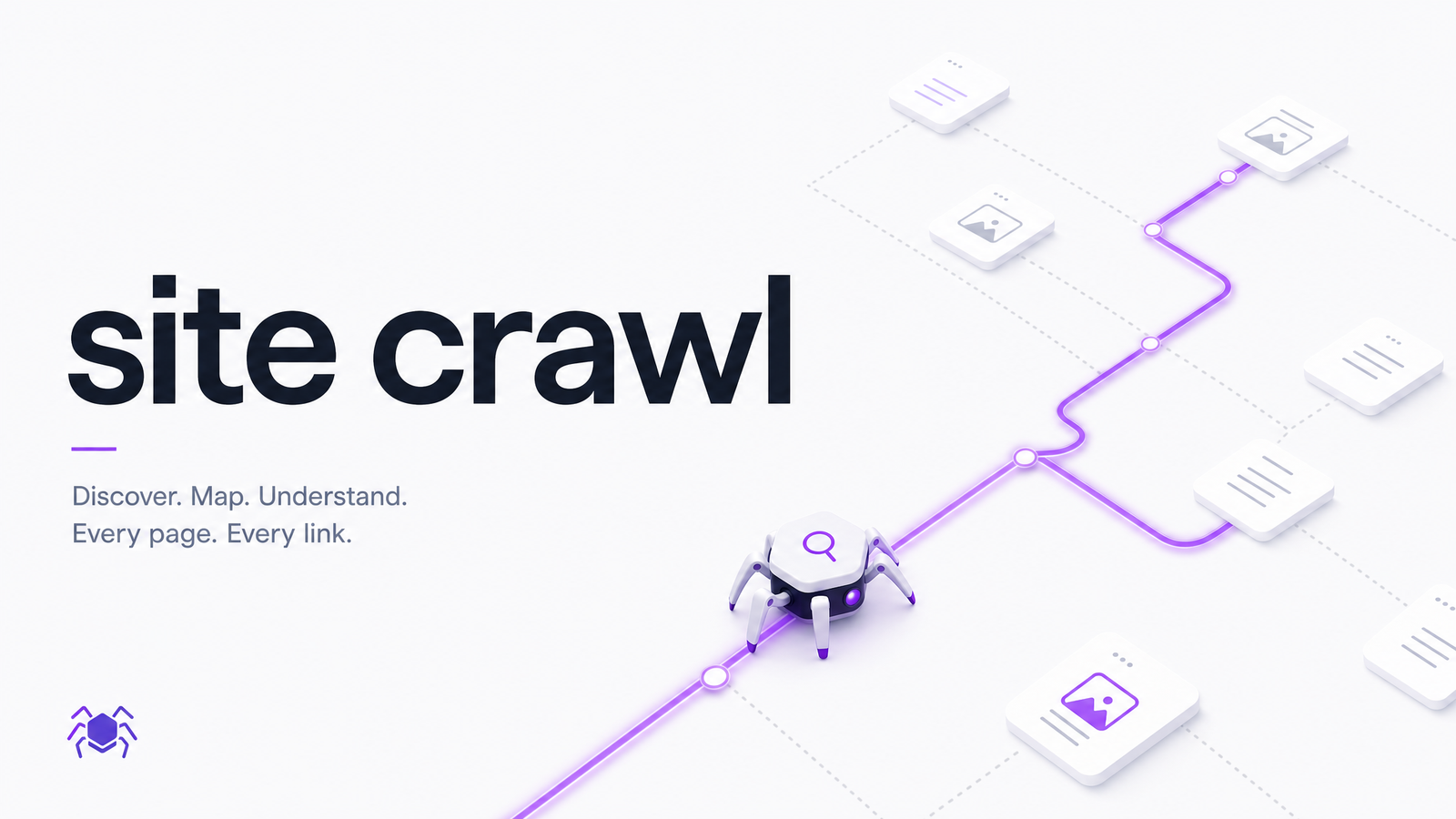
A site crawl is the process of a program systematically visiting the pages of a website, following links from page to page, and recording what it finds. That's the whole site crawl definition, stripped of jargon — a piece of software walking through your site the way a thorough visitor might, except it never gets bored and checks things a human wouldn't bother to.
Most people who search "what is a site crawl" only encounter one version: Googlebot or Bingbot crawling the public web to decide what belongs in search results. That's real and important, but it's not the only version, and treating it as the only one is why most site crawl content feels irrelevant to anyone who isn't managing a million-page enterprise domain.
There's a second, more useful version: crawling as a diagnostic tool you run yourself, on your own site, for your own benefit — not to influence what a search engine indexes, but to find out what's actually broken. Dead links. Slow-loading pages. Missing alt text. Forms with no accessible labels. This kind of crawl isn't something that happens to your website by search engines you don't control — it's a scan you initiate, on your own terms, to catch problems before they cost you visitors, conversions, or rankings.
How a Crawler Actually Moves Through Your Site
Every crawl starts with one or more seed URLs — typically your homepage, or a list of key pages you provide. The crawler fetches that page, reads its HTML, and extracts every link it can find. Each new link gets added to a queue, and the crawler works through that queue one URL at a time, fetching each page, logging its response, and extracting more links — continuing until the queue is empty or a limit is reached. This is the same basic mechanic whether you're talking about Googlebot or a small audit tool; the difference between a web crawler and a web spider comes down to naming, not mechanics.
Along the way, the crawler records the HTTP status code for every URL it touches: 200 for a page that loaded fine, 301 or 302 for a redirect, 404 for a page that no longer exists, 500 for a server error. It also tracks crawl depth — how many clicks away from the seed URL a page sits. Pages buried eight or nine clicks deep are harder for both crawlers and human visitors to reach.
Real-world crawls hit friction. A robots.txt file might explicitly block certain folders. Pages relying heavily on client-side JavaScript may render empty in a basic crawl unless the tool actually executes the script rather than just fetching raw HTML. On very large sites, Google has to make prioritization calls about what to crawl and how often — where crawl budget becomes a real constraint. For most small and mid-sized sites, though, budget isn't the bottleneck; completeness and accuracy of the crawl are.
What a Site Crawl Actually Reveals
A well-run site crawl audit surfaces a handful of recurring issue categories, and most have nothing to do with search rankings directly — they're user experience and revenue problems that happen to also affect SEO as a side effect.
Broken links and redirect chains. Internal links pointing to 404s, or redirects that bounce through three hops before landing on a final page. Chains and loops slow everything down and confuse both users and crawlers; see how to fix redirect loops and chains.
Malformed URLs. Spaces, encoding errors, and stray characters break links in ways that aren't always obvious until a crawler flags them — covered in this guide to URLs with spaces.
Mixed content. A padlocked HTTPS site that still quietly loads images or scripts over plain HTTP, which browsers flag as insecure. The HTTPS leak guide explains why this happens even on sites that look fully secured.
Link attribute issues. Follow versus nofollow handling affects how authority and crawl priority flow through your site; see the guide to follow and nofollow links.
Accessibility gaps. Missing alt text, poor color contrast, unlabeled form fields — a crawl-based accessibility scan catches far more than a quick manual glance; see what an accessibility checker really catches.
Duplicate or thin content, performance drags like oversized images and slow server responses, and crawlability blockers such as accidental robots.txt disallows round out the list.
Reading a Crawl Report Without Getting Overwhelmed
The first crawl of any real website tends to produce a long list of issues, and the instinct to fix everything at once is exactly how audits end up abandoned in a spreadsheet. Prioritize by three questions instead: How severe is this issue — does it break something for users, or is it cosmetic? How many pages does it affect — a broken link on one blog post matters less than a broken checkout link site-wide? And how easy is the fix — some take one line of code, others require restructuring.
Fix the "severe, widespread, easy" issues first: broken links on high-traffic pages, server errors, and missing accessibility attributes on forms are usually quick wins with outsized impact. Save large content restructuring or full redirect map overhauls for a dedicated pass. And on crawl budget specifically — unless your site has tens of thousands of pages, it's not something you need to actively manage; it's a large-site problem, not a small-business one.
Running Your Own Site Crawl
You don't need to build a custom crawler or comb through raw log files to get value from this process. A modern audit tool can run a site crawl automatically, walking your pages the way Googlebot would, then translate the raw findings — status codes, broken links, missing alt attributes, slow assets — into a prioritized, plain-English list of fixes.
That's the gap Optimevra is built to close. Instead of handing you a wall of crawl errors and leaving you to interpret them, it runs the crawl, groups the findings across UX, accessibility, performance, and conversion, and tells you what to fix first and why. It's the difference between "here's 400 rows of data" and "here's what's actually costing you visitors."
Frequently Asked Questions
What's the difference between a site crawl and a sitemap submission?
A site crawl is a crawler actively visiting your pages and following links to discover your site's structure; a sitemap submission is you handing a search engine a list of URLs you want it to know about. A sitemap can help a crawler find pages faster, but it doesn't replace crawling — the crawler still visits each URL to see what's actually there.
How often should I crawl my own website?
Run a full crawl after any major site change — a redesign, migration, or CMS switch — and do a lighter check monthly or quarterly otherwise. Sites that publish or update content frequently benefit from more regular crawls, since new pages and links create new opportunities for errors.
Does a site crawl affect my Google rankings while it's running?
No. Running your own diagnostic crawl has no direct effect on your Google rankings — it's a separate process from how Googlebot indexes your site, and a reasonable, well-paced audit crawl won't trigger any ranking changes or penalties on its own.
Can a site crawl tool check JavaScript-heavy or single-page apps?
Yes, but only if the tool actually renders JavaScript rather than just reading raw HTML. Basic crawlers that skip rendering will see an empty shell on JS-heavy pages and miss most of the content and links, so it's worth confirming a tool renders pages the way a browser does before trusting its results on a JS-heavy site.
What's the difference between crawling and indexing?
Crawling is the discovery step — a bot visiting pages and following links; indexing is the separate step where a search engine decides whether and how to store and rank what it found. A page can be crawled and still not indexed, for example if it's low-quality or marked "noindex."
How is a site crawl different from a manual site audit?
A site crawl is automated and systematic — it checks every reachable page for defined issues like broken links or missing alt text without human bias or fatigue. A manual audit relies on a person clicking around, which is useful for judgment calls on design or messaging but inevitably misses pages and inconsistencies that a full crawl catches every time.
Curious what a crawl would find on your own site? Run a free scan with Optimevra and see the real issues surfaced instantly — try the live demo and see it for yourself in under a minute.
Originally published on Rankevra.