
Accessibility Checker for Website: What It Really Catches
September 20, 2026
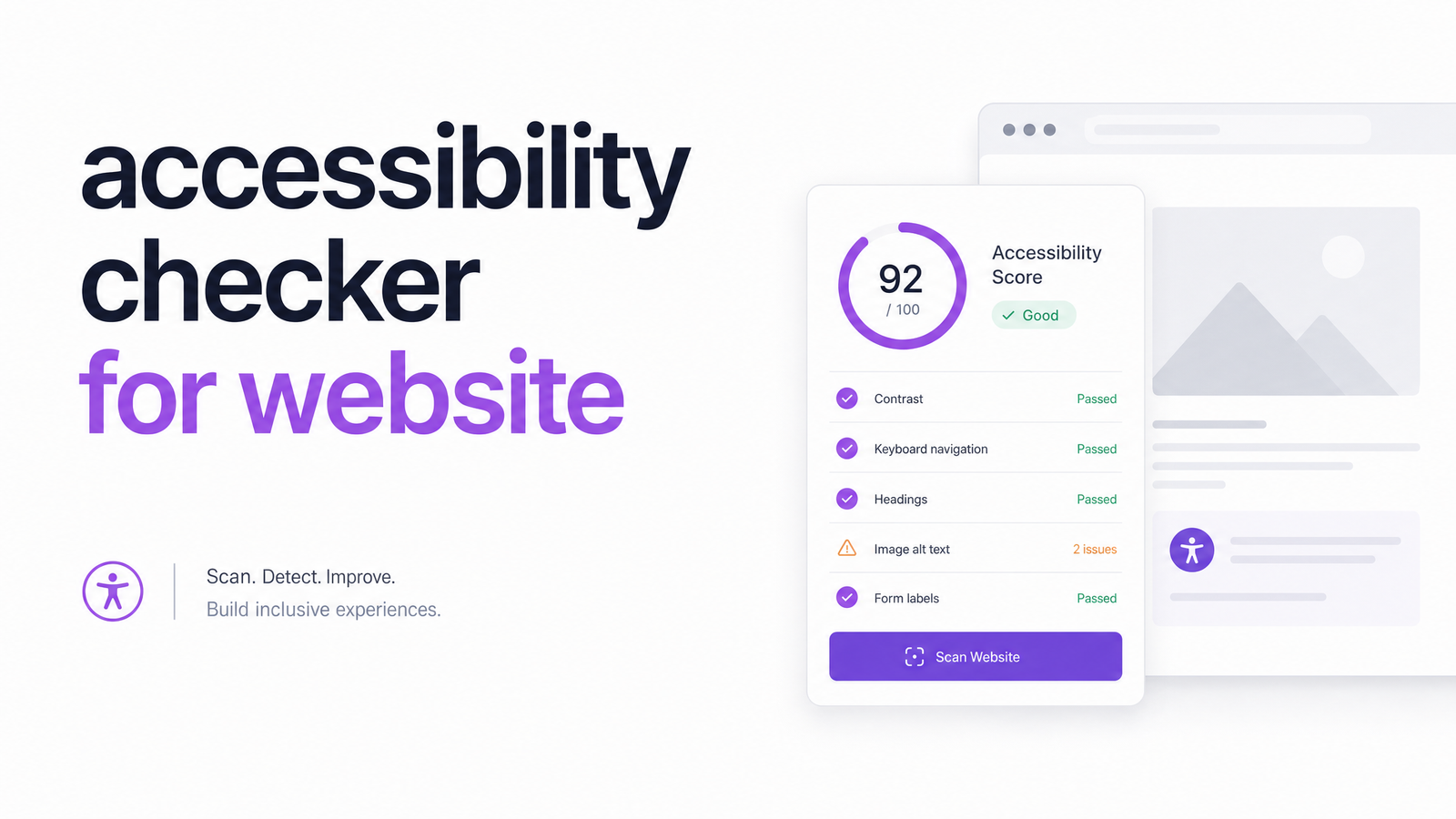
Most people search for an accessibility checker for website audits expecting a green checkmark to mean "done." It doesn't — and believing otherwise is how well-intentioned teams end up with a false sense of security, and sometimes a lawsuit anyway. This guide explains what automated tools actually detect, backed by real coverage-rate research, and gives you a practical framework for using one without overtrusting it.
What Is an Accessibility Checker, Really?
An accessibility checker for website pages is automated software that crawls your site's HTML, CSS, and rendered DOM, then flags code-level violations of the Web Content Accessibility Guidelines (WCAG 2.2). Typical findings include missing alt text, insufficient color contrast, unlabeled form fields, broken heading structure, and misused ARIA attributes. Popular tools — including axe-core (Deque Systems) and WAVE — work this way, and Optimevra's own scanner is built on the same category of automated accessibility testing.
That's genuinely useful, but fundamentally different from a full manual accessibility audit, which pairs automated scanning with human testers using screen readers, keyboard-only navigation, and judgment calls no script can make. A checker tells you what's technically wrong in the markup; it can't tell you whether the experience actually works for a person using a screen reader or switch device. Understanding that distinction is the single most important thing in this article.
How Much Does an Automated Checker Actually Catch?
Not nearly as much as most people assume. Research from Accessible.org found that automated scans reliably flag only about 13% of WCAG success criteria on their own, with a larger share only partially detectable and many requiring manual verification entirely. Other estimates are more generous but still limited — TestParty's analysis puts automated coverage in the 30-40% range depending on the tool and site complexity.
A widely cited test drives this home: the UK Government Digital Service ran 13 automated checkers against a site with 142 known accessibility barriers, and Accessibility.Works reports that no tool caught more than a fraction of them, with results varying significantly between tools. This is why an accessibility scan is not the same as an audit, and why calling anything a "WCAG checker tool" oversells what the software can promise. A 100% pass score from any automated scan means only that the automatable checks passed — not that your site meets WCAG 2.2, and not that it satisfies Section 508 or ADA Title III obligations.
What a Good Checker Catches (and What It Always Misses)
Automated tools excel at pattern-matching problems with objective, code-level answers:
- Color contrast ratios that fall below WCAG thresholds
- Images missing alt attributes entirely
- Form inputs without associated labels
- Heading levels that skip or nest incorrectly
- Duplicate IDs, empty links, and missing document language tags
- Certain invalid or conflicting ARIA attribute usage
These are the bread and butter of any reasonable website accessibility scanner, and fixing them typically produces fast, measurable improvement.
What automated tools consistently miss requires human judgment, not better code:
- Whether alt text is meaningful, not just present ("image123.jpg" alt tags can technically pass while describing nothing useful)
- Logical reading and focus order for keyboard and screen reader users
- Visible focus indicators during actual keyboard navigation
- Keyboard traps where a user can enter a component but not exit it
- Whether instructions, error messages, and content are cognitively clear
- Whether custom widgets (modals, carousels, dropdowns) behave correctly with assistive technology
No ADA compliance checker, however well built, can evaluate meaning, context, or real assistive-technology behavior. That's a human testing problem.
How to Choose an Accessibility Checker for Your Website
If you're comparing tools — searching for the best accessibility checker for websites in 2026 or trying to check website accessibility online for the first time — evaluate on these criteria rather than marketing claims:
WCAG version coverage. Confirm the tool tests against current WCAG 2.2 success criteria, not an outdated 2.0 baseline.
Reporting clarity and prioritization. Raw WCAG codes like "1.4.3" mean nothing to a developer under deadline pressure. Look for reports that translate violations into plain-language, prioritized action items — critical, serious, moderate — so your team fixes what matters first.
False positive rate. Some scanners flag issues that aren't real problems in context, wasting developer time and eroding trust in the tool. Ask vendors directly how they minimize noise.
Workflow integration. A checker that plugs into CI/CD pipelines or offers scheduled re-scans catches regressions before they ship, rather than months later.
Honesty about its own limits. Any vendor claiming their scan guarantees legal compliance is a red flag. Trustworthy tools are explicit that automated results need manual review for compliance-critical flows.
Monitoring and scheduling. Sites change constantly; a one-time scan goes stale fast. Recurring monitoring matters more than a single clean report.
Using a Checker the Right Way: A Simple Workflow
How does an accessibility checker work in practice, once you've picked one? A straightforward five-step loop keeps risk down without demanding a full-time compliance team:
- Run a baseline scan across your key templates and pages, not just the homepage.
- Triage by severity, not by volume — ten minor contrast issues matter less than one blocking form-label failure.
- Fix automatable issues first. These are cheap wins that meaningfully reduce your surface-level risk.
- Schedule manual spot-checks — screen reader testing and keyboard-only navigation — on your highest-traffic and highest-risk flows: checkout, sign-up, contact forms, account settings.
- Re-scan after every significant deploy. An automated accessibility testing tool run once a quarter is far better than nothing, but continuous or pre-release scanning catches regressions before customers or auditors do.
For flows where compliance genuinely matters — e-commerce checkouts, healthcare portals, government-adjacent sites — pair this workflow with a full manual review. Our accessibility audit guide walks through exactly what that deeper process checks and why automated scanning alone isn't enough for it.
The stakes for skipping this are real: Level Access reports that ADA Title III web accessibility lawsuit volume has stayed elevated year over year, with plaintiffs' firms increasingly targeting mid-size and small businesses, not just large enterprises. A reasonable, documented accessibility process — automated scanning plus targeted manual review — is one of the most concrete risk-reduction steps a business can take.
See What a Checker Finds on Your Site
The fastest way to understand your actual exposure is to run a scan and read the results yourself. Try Optimevra's live demo to see exactly what an automated checker flags on your own site in minutes — no setup required. If you manage multiple sites or need ongoing monitoring between releases, check Optimevra's pricing for plans built around continuous scanning. And for compliance-critical pages that need more than automation can offer, Optimevra also supports the deeper manual audit process described above.
Frequently Asked Questions
What is an accessibility checker for a website and how does it work?
It's automated software that crawls your site's HTML and rendered DOM to detect code-level WCAG violations, such as missing alt text, poor color contrast, unlabeled forms, and broken heading structure. It compares your markup against known accessibility rules and generates a report of flagged issues, but it doesn't test real assistive-technology behavior or content meaning.
What percentage of accessibility issues do automated checkers actually catch?
Research puts reliable automated detection at roughly 13% of WCAG success criteria on the strict end, with broader estimates around 30-40% when partial detection is included. A UK Government Digital Service benchmark test of 13 tools against 142 known barriers found none caught more than a fraction of the real issues, underscoring that scans supplement but never replace manual testing.
Can passing an automated accessibility scan protect a business from ADA lawsuits?
No — a clean or 100% automated scan result does not equal WCAG conformance or legal compliance. ADA Title III lawsuit volume has remained high in recent years, and plaintiffs' claims frequently involve issues automated tools can't detect, like keyboard traps or unclear reading order. A documented process combining automated scanning with manual review is a stronger risk-reduction strategy than relying on scan scores alone.
What should someone look for when choosing an accessibility checker tool?
Look for current WCAG 2.2 coverage, clear and prioritized reporting instead of raw technical codes, a low false-positive rate, integration with your development workflow, and honesty from the vendor about what the tool can't detect. Monitoring and scheduled re-scans matter too, since sites change frequently and a one-time report goes stale quickly.
What issues can only be found through manual testing, not automated scanning?
Human testers are needed to judge whether alt text is meaningful, whether reading and focus order make sense, whether keyboard users can escape every component, and whether custom widgets like modals or carousels work correctly with screen readers. These all require contextual judgment and real assistive-technology testing that automated scripts cannot replicate.
Originally published on Rankevra.