
Crawl Website Tool: What It Checks & How to Choose One
September 13, 2026
What Is a Crawl Website Tool (and How Is It Different From Search Engine Crawling)?
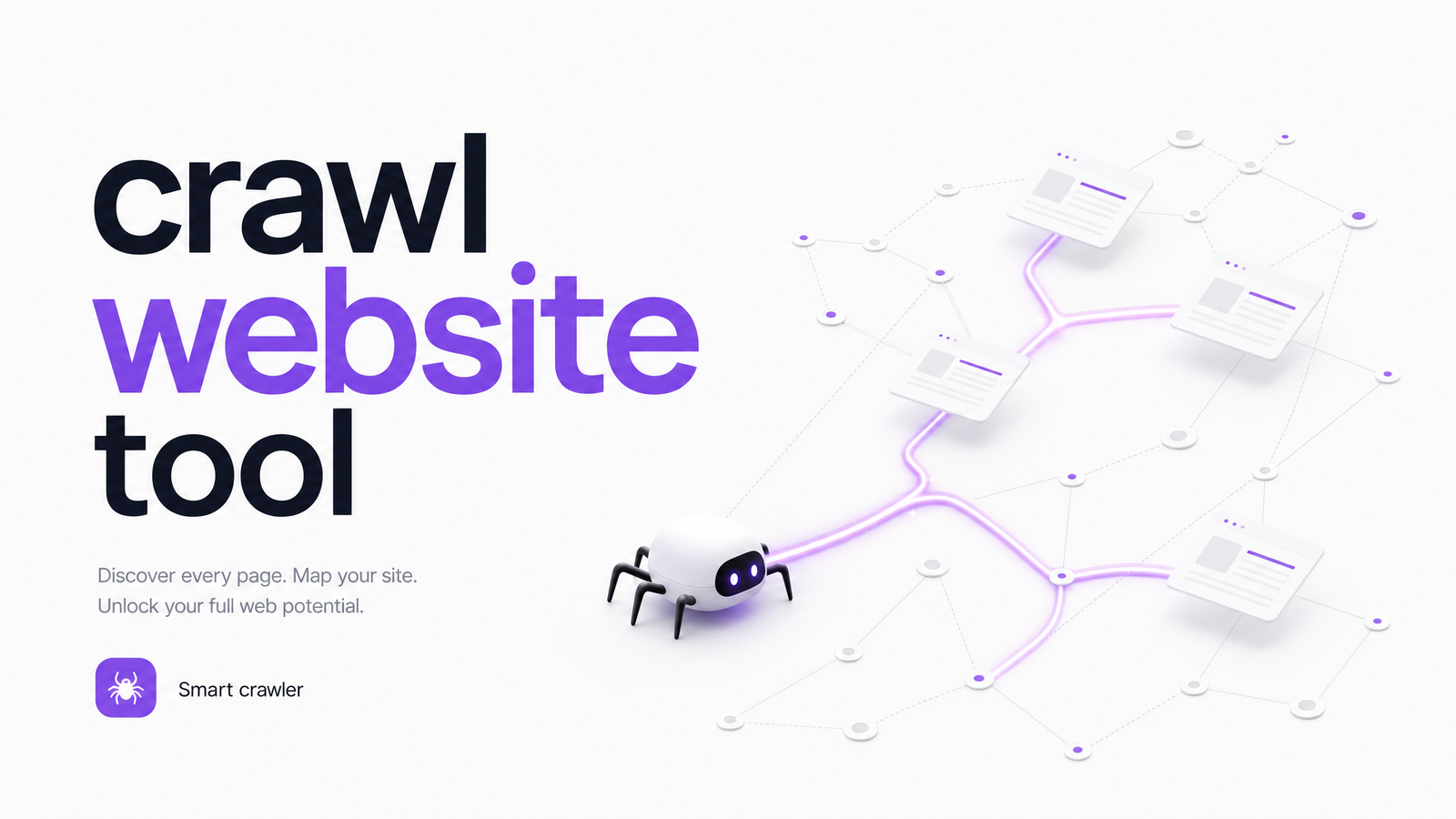
A crawl website tool is software that systematically visits your site's pages, following links the way a bot would, and reports on what it finds: broken pages, redirects, missing tags, structural problems. It's essentially a controlled, self-run version of what a search engine does — except it works for you, not Google.
That distinction matters because crawling vs indexing are different things. Running a crawl tool generates a diagnostic report you control. Googlebot crawling your site is deciding what to index and rank — governed by its own priorities, budget, and algorithms. A clean crawl report doesn't guarantee Google has indexed those pages, and indexing doesn't mean the pages are actually good. Oncrawl's overview of SEO crawlers draws this line clearly: crawl tools audit, they don't rank.
What a Website Crawl Actually Checks
Run any reputable crawler against a mid-sized site and you'll get a report built around recurring categories. Broken links and redirect chains top the list — dead 404s, redirect loops, and links pointing to old URLs that erode both user experience and crawl efficiency. Duplicate content is another staple: pages with near-identical copy, duplicate title tags, or parameter-driven URLs that split ranking signals across near-clones of the same page.
Crawlers also flag indexing blockers hiding in your configuration — a robots.txt file accidentally disallowing important sections, meta robots tags set to "noindex" by mistake, or canonical tags pointing to the wrong URL. Beyond individual pages, a crawl maps your site structure: how internal linking connects sections, which pages sit several clicks from the homepage, and how crawl depth affects how much attention each page realistically gets from bots and visitors alike.
Crawl Vision's technical SEO guide covers this same set of issues in more depth if you want a fuller technical reference. The common thread: a crawl tool tells you about the plumbing — what's connected, what's broken, what's mislabeled — not whether visitors actually like what they find once they arrive.
How a Crawler Works, in Plain Terms
Mechanically, it's simple. You give the tool a starting URL — usually your homepage — and it fetches that page, extracts every link on it, then visits each of those links in turn, repeating the process until it runs out of new pages or hits a limit you've set. Along the way it builds something like a site map, logging each URL's status code, tags, and outbound links.
That process reveals the tool's core limitation: it can only find pages it can reach by following a link. If a page has no internal links pointing to it — an orphan page — the crawler simply never sees it, no matter how important that page is to you. Sitemaps and manually submitted URL lists help fill that gap, but they're a workaround, not a fix for weak internal linking.
Choosing a Crawl Tool: A Quick Decision Framework
The right tool depends less on brand reputation and more on three variables: your site's size, your technical comfort level, and what you're actually trying to fix.
If you run a small brochure site or blog and just want a gut-check, a free website crawler tool or a lightweight site crawler online option is plenty — most cap out around 500 URLs, which covers a small site entirely and gives you the basics: broken links, duplicate titles, missing meta descriptions.
If you manage a large or JavaScript-heavy site and need a proper website crawler for SEO work, you'll want a dedicated desktop or cloud crawler with configurable crawl settings, JavaScript rendering, and export options. Screaming Frog's SEO Spider is the widely used example here, with a free tier limited to 500 URLs before you need a license for larger crawls. Sites built on heavy client-side rendering have their own quirks worth understanding — our SEO for JavaScript framework covers what a crawler can and can't see on JS-rendered pages.
Agencies managing multiple client sites tend to outgrow single-machine tools quickly and move to cloud platforms built for scheduled crawls, historical comparisons, and client-ready reporting.
Where Crawling Stops (and What It Can't Tell You)
Here's the catch that trips up a lot of site owners: a crawl reporting zero errors tells you almost nothing about whether your site actually works for the people visiting it. Crawlers check structure and technical status — they don't watch a real visitor land on your homepage, get confused by the navigation, misread a call-to-action, or abandon a form halfway through because a field validation error isn't obvious.
That's the ceiling of crawl tool limitations. A page can have perfect metadata, no broken links, a clean canonical tag, and still lose the majority of visitors who land on it because the value proposition is unclear, the layout is confusing on mobile, or the checkout flow has a friction point no crawler is built to detect. This is exactly where UX audit and accessibility auditing take over — evaluating how real people actually experience a page, not just whether the page is technically well-formed. Pair a crawl with a broader technical review using our Site Health Check checklist before assuming the job's done — and know that conversion issues almost always live one layer beneath what a crawl report shows. This is the layer Optimevra's AI-powered auditing is built to surface, going beyond link-and-metadata checks into how visitors actually behave.
Crawl First, Then Audit the Experience
Think of it as two passes, not one. Crawling is step one: it catches broken links, redirect chains, duplicate content, and indexing blockers before they quietly cost you rankings. But a clean crawl report is a floor, not a ceiling — it tells you the site is technically sound, not that it converts.
The second pass is auditing the actual experience: where visitors hesitate, what confuses them, what's costing you conversions that no crawler will ever flag. Our CRO audit framework walks through that process in detail. If you've already run a crawl and want to know what it missed, try the live demo or explore Optimevra to see what's actually costing your website conversions.
Frequently Asked Questions
Is a website crawler the same as Google indexing my site?
No. A website crawler is a tool you run yourself to audit your site's technical health, while indexing is Google's own process of deciding which pages to include in its search results. A page can pass a crawl with zero errors and still not be indexed, and vice versa.
What's the difference between a free website crawler and a paid one?
Free crawlers typically cap the number of URLs they'll scan, often around 500, and offer basic checks like broken links and missing metadata. Paid tools remove those limits, add JavaScript rendering, scheduled crawls, historical comparisons, and export features suited to larger sites or agency reporting.
Can a crawl tool find pages that aren't linked from anywhere on my site?
No, not by default. A crawler discovers pages by following links, so orphan pages with no internal links pointing to them go undetected unless you submit them separately via a sitemap or manual URL list.
How often should I run a crawl on my website?
Run a crawl after any major site change — a redesign, CMS migration, or bulk content update — and on a regular schedule otherwise, such as monthly or quarterly for active sites. Sites that publish frequently or rely heavily on JavaScript rendering benefit from more frequent checks since technical issues surface faster.
Do I need a crawl tool if I already use Google Search Console?
Yes, generally. Search Console shows you what Google has already indexed and any errors it encountered, but a dedicated crawl tool lets you catch issues before Google does, test staging environments, and get a more complete technical picture on demand rather than waiting on Google's crawl schedule.
Why did my site pass a crawl with zero errors but still have low conversions?
Because crawl tools check technical structure — links, metadata, indexing signals — not user experience. A page can be technically flawless and still confuse visitors, bury its call-to-action, or have a broken checkout flow, none of which a crawler is designed to detect. That gap is exactly what UX and conversion audits are built to catch.
Originally published on Rankevra.