
HTML Lang Attribute: What It Does and How to Fix It
September 24, 2026
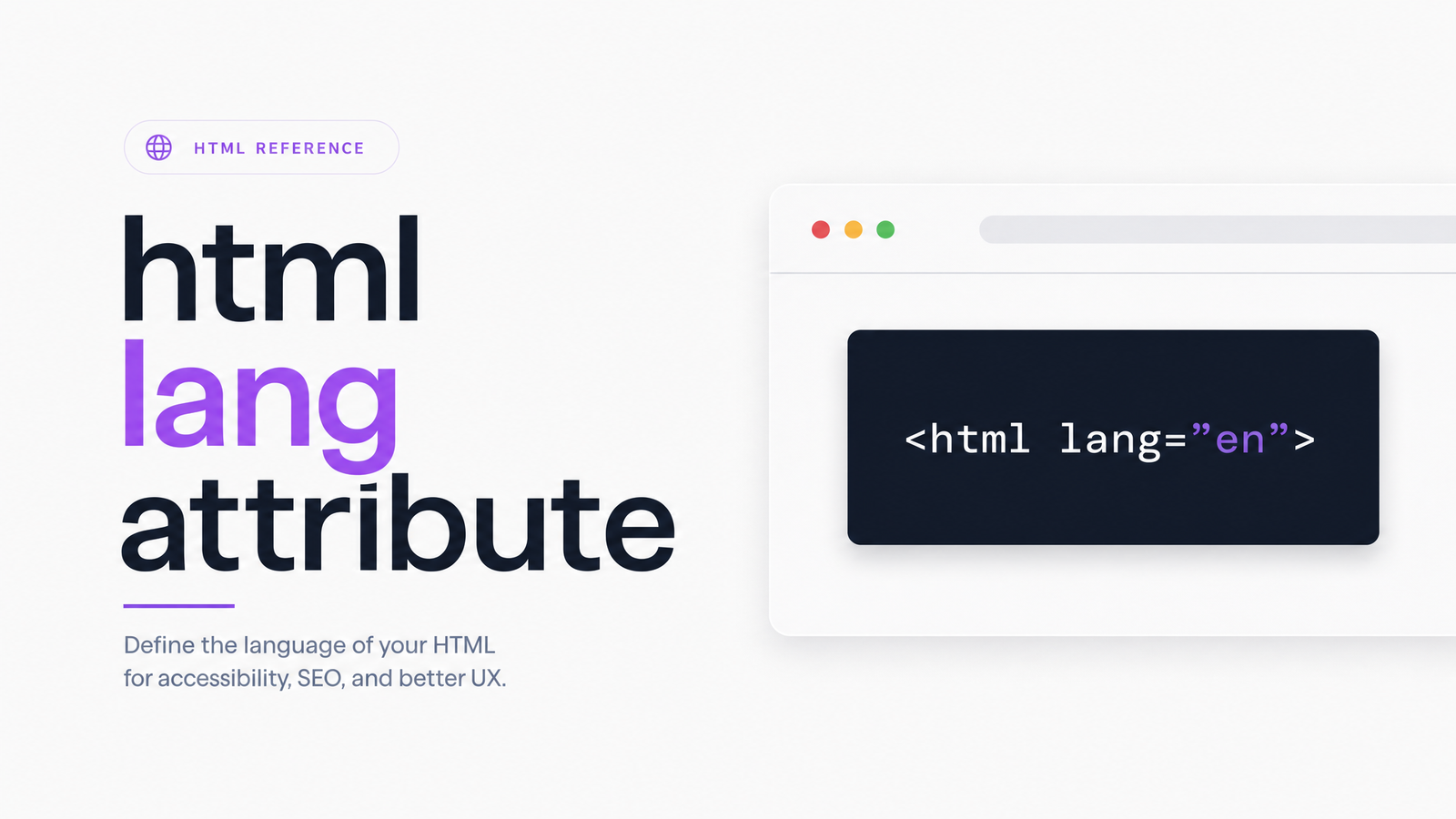
Open the source of almost any accessibility audit report and you'll find it: a flag on the lang attribute. It looks like a nitpick — one word buried in the tag — but it's one of the most consistently broken lines of code on the web, with real consequences for assistive technology users and search visibility.
What the HTML Lang Attribute Actually Does
The HTML lang attribute is a declaration, placed on the tag, that tells browsers and assistive technology what language the page's content is written in:
That single attribute answers a question every browser, screen reader, and search engine crawler needs answered before it can do its job: what language am I looking at? Without it, software has to guess — and guessing is exactly what accessible, well-built websites shouldn't require.
Lang sets the default language for the entire document, cascading to every element unless overridden. Screen readers use it to select the correct pronunciation engine and voice. Browsers use it for features like spellcheck and translation prompts. Search engines use it as one signal for understanding and serving content to the right audience. As MDN's reference on the lang attribute explains, this is a global attribute — it can also be applied to any individual element, not just , when part of a page shifts into a different language.
Valid Lang Attribute Values (and How the Codes Work)
The lang attribute doesn't accept arbitrary strings. Valid values follow BCP 47, built largely on ISO 639-1 for language codes and ISO 3166-1 for region/country codes. That split resolves most of the confusion around what belongs here.
A bare language code like en, fr, or es is valid on its own, declaring the language without a regional variant. Add a hyphen and a country code for more specificity: en-US, en-GB, fr-CA, es-MX. Script subtags exist too, for languages with more than one writing system — zh-Hans denotes Chinese in Simplified script.
The distinction that trips people up constantly is language code versus country code. en is a language; US and GB are countries. They're separate vocabularies that combine only in that order — language first, region second. That's why en-US versus en-GB is a meaningful distinction (American versus British English), while en-UK or a bare uk are simply invalid: there is no ISO 639-1 code "uk," and "UK" isn't a valid ISO 3166-1 alpha-2 country code (the correct one is GB). For a full list of values, ISO's official registries and the BCP 47 subtag registry are authoritative — but for most English-language sites, en, en-US, and en-GB cover it.
Why It Matters: Accessibility and SEO Impact
This isn't best-practice theater — it's a Level A requirement under WCAG. Success Criterion 3.1.1 (Language of Page) requires that the default human language of every page be programmatically determinable, and the lang attribute is how you satisfy it. A related criterion, 3.1.2 (Language of Parts), covers marking language changes within a page's content. Level A is the baseline conformance level; failing it means a site can't legitimately claim even minimal WCAG conformance.
The accessibility impact is concrete. Screen readers such as NVDA, JAWS, and VoiceOver use the lang attribute to select pronunciation rules. Get it wrong or leave it missing, and a screen reader may apply the wrong phonetic engine — reading English text with French pronunciation rules, for instance, producing garbled output. That's why an incorrect lang attribute shows up as a real complaint from screen reader users, not just an audit checkbox. Rocket Validator's accessibility documentation confirms this requirement is enforced by automated testing engines like axe-core, which is why it's one of the most frequently flagged issues in accessibility scans.
On the SEO side, does the lang attribute affect Google ranking directly? Not as a standalone factor — but it's not irrelevant. It's part of how search engines understand and categorize content, working alongside signals like the hreflang attribute (which tells search engines which language/region version of a page to serve which users) and the Content-Language HTTP header. For multi-language sites, a correct lang attribute is foundational groundwork that lets hreflang do its job. Skip it, and you're asking search engines to assume what your markup should state outright.
Common Lang Attribute Mistakes
A handful of failure patterns account for nearly every lang attribute issue an audit turns up:
- Missing entirely. No
langattribute onat all — the most basic failure, still common on older or hand-rolled sites. - Empty or whitespace value.
technically has the attribute but declares nothing, failing the same check as a missing one. - Invalid codes.
en-UKandukare the most common offenders — confusing a country abbreviation with a language code, as Rocket Validator's tagged lang issues documents repeatedly across real-world scans. - CMS or theme hardcoding. Many WordPress themes and page builders ship with
lang="en"baked into the template regardless of actual site content, silently mismatching a French or Spanish site. - SPA routes that never update it. Single-page applications often set the lang attribute once on load and never touch it again when a route or language toggle changes the visible content.
- Mismatched nested elements. An English page quoting a German paragraph needs that paragraph marked separately — leaving it unmarked is a Language of Parts failure even when the page-level attribute is correct.
How to Check and Fix Your Lang Attribute
The fastest manual check: view-source or inspect the page and look at the opening tag. If it's missing, empty, or shows a code that doesn't match the visible content, you've found the issue. The W3C Markup Validator and axe-core-based tools will flag invalid codes automatically rather than relying on you to memorize every valid ISO combination.
The fix itself is a one-line edit for the page-level attribute:
For a section written in a different language than the rest, wrap it and mark the change locally instead of altering the whole document:
She ordered a croissant and coffee.
That's how to fix a missing lang attribute at the element level and how you handle multiple languages within a single page — English is the document default, French is scoped precisely to the word it applies to.
The harder problem is scale. Checking one page's source is trivial; confirming that every template, every CMS-generated page, and every SPA route renders the correct lang attribute is not something you do by hand across hundreds or thousands of URLs. That's exactly the kind of issue automated, site-wide auditing exists to catch — flagging missing, empty, or mismatched lang values across an entire site in one pass instead of page by page. Optimevra's live demo shows this kind of check running against a real site, and Optimevra's pricing page covers what ongoing, full-site auditing costs if you want it running continuously rather than as a one-off check.
Frequently Asked Questions
What is the html lang attribute and what does it actually do?
It's an HTML attribute placed on the tag that declares the page's primary language to browsers, assistive technology, and search engines. It drives screen reader pronunciation, browser features like translation prompts, and gives search engines a language signal for the content.
Where does the lang attribute go in an HTML document?
Primarily on the opening tag, as in , which sets the default for the whole document. It can also be applied to any individual element, such as a or , to mark a section written in a different language.
What are valid values for the lang attribute (ISO 639-1 / BCP 47)?
Valid values follow the BCP 47 format: an ISO 639-1 language code alone (en, fr, es) or paired with an ISO 3166-1 country code (en-US, en-GB, fr-CA, es-MX). Codes that mix these up, like en-UK or a bare uk, are invalid because "UK" isn't a recognized ISO 3166-1 country code.
Why does a missing or wrong lang attribute matter for accessibility?
It's a direct failure of WCAG Success Criterion 3.1.1 (Language of Page), a Level A requirement — the baseline for any accessibility conformance claim. Screen readers like NVDA, JAWS, and VoiceOver rely on it to choose correct pronunciation rules, so a missing or wrong value can make content sound garbled or unintelligible to assistive technology users.
Does the lang attribute affect SEO or Google ranking?
It's not a standalone ranking factor, but it's part of how search engines interpret and serve content correctly, especially alongside the hreflang attribute and Content-Language header on multi-language sites. Getting it right doesn't guarantee a ranking boost, but getting it wrong removes a signal search engines otherwise use to match content to the right audience.
Since this is a one-line fix that's easy to get wrong once and then repeat across every template, theme, and SPA route, it's worth confirming rather than assuming. Run Optimevra against your site to catch missing or invalid lang attributes — and the accessibility and SEO issues that tend to travel alongside them — across every page at once.
Originally published on Rankevra.