
Website Health Check: What It Really Means in 2026
September 16, 2026
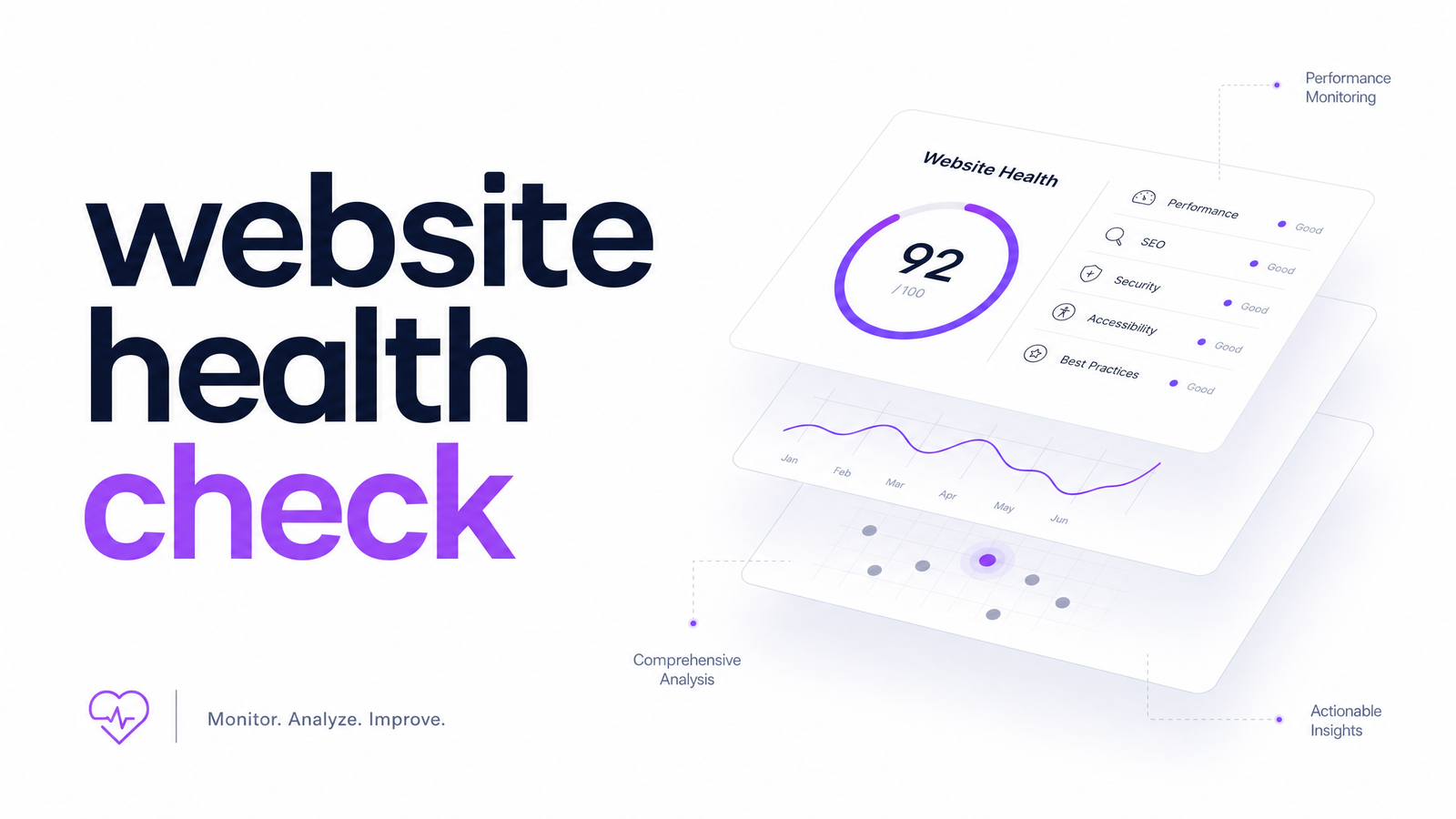
What a Website Health Check Actually Means Today
Search "website health check" and you'll still find tools meaning uptime monitoring, a broken-link scan, and maybe an SSL check. That's the old meaning, and it's incomplete — the things that actually break user trust and revenue rarely show up in an uptime dashboard.
A modern website health check is a composite diagnostic: how real people experience your site (UX), whether people with disabilities can use it (accessibility), how fast it loads and responds (performance), and whether it's designed to convert visitors into customers (conversion). Uptime and broken links still matter, but they're table stakes, not the whole picture. If you've only run a speed test or a link checker, you've measured one pillar out of four.
A site can be "up," fast on paper, and still quietly leak revenue through a confusing checkout flow, a low-contrast CTA button, or a form invisible to screen readers. None of that trips an uptime alert.
The Four Things a Real Health Check Should Cover
UX. A website UX check looks at navigation clarity, mobile responsiveness, layout consistency, and whether key actions (signing up, buying, contacting) are obvious and frictionless. Small UX faults compound — a confusing menu on one page often signals a pattern repeated site-wide.
Accessibility. An accessibility check measures compliance against WCAG guidelines: color contrast, alt text, keyboard navigation, ARIA labeling, and form accessibility. This isn't niche: per WebAIM's 2026 report on the top 1,000,000 home pages, the overwhelming majority of home pages still carry detectable WCAG failures. Businesses running "health checks" that skip accessibility miss one of the most common failure categories on the web — with real legal exposure.
Performance. This is where Core Web Vitals live: Largest Contentful Paint, Interaction to Next Paint, and Cumulative Layout Shift, typically measured via Lighthouse or PageSpeed Insights. Per 2026 Core Web Vitals benchmark data, a meaningful share of sites still fail to pass all three metrics — even ones their owners believe are "fast enough." These issues are also most likely to silently regress after a redesign or new plugin.
Conversion. This pillar asks whether design and copy decisions actually help visitors act — clear CTAs, logical form flows, trust signals, and friction points identified through conversion rate optimization principles. Traditional technical audits skip this entirely, because it requires judgment about intent, not just a pass/fail rule.
A real health check scores all four together, because they interact. A slow page (performance) with an inaccessible form (accessibility) buried under confusing navigation (UX) is a conversion problem by the time a visitor gives up.
Why Manual Spot-Checks Miss Most Problems
Manual audits — a designer clicking through the homepage, a developer running Lighthouse once, a quarterly checklist — fail structurally: they sample a handful of pages at a single moment in time. A 200-page site audited by spot-checking five pages tells you almost nothing about the other 195.
Human reviewers also apply subjective judgment inconsistently between reviewers and even between sessions. They don't run continuously, so a Tuesday deploy that breaks contrast ratios or slows Largest Contentful Paint can sit undetected for months. And manual reviews rarely offer a systematic way to compare severity across UX, accessibility, performance, and conversion — so priority calls become guesswork.
The manual vs automated gap isn't about competence; it's about coverage and repetition. Automated crawling checks every page, every time, against the same rule set — turning a health check from a snapshot into a system.
How AI-Powered Health Checks Score and Prioritize Issues
An AI website audit crawls a site systematically — every page, not a sample — running each through detection models tuned to the four pillars: UX pattern checks, WCAG rule validation, Core Web Vitals measurement, and conversion-friction heuristics. The output is a website health score: a single, trackable number built from weighted issue counts across all four categories, showing whether a site is improving or slipping release over release.
The more useful part is prioritization. A good automated audit tool doesn't hand you 200 flagged issues in no particular order — it ranks fixes by impact: a broken checkout CTA on your highest-traffic page outranks a minor alt-text gap on a rarely visited archive page, even though both are technically "issues." This is exactly the workflow Optimevra runs: crawl everything, score everything against the four pillars, then surface the handful of fixes that will move the needle first. See it on the live demo · Optimevra.
How Often You Should Run One
Issues regress faster than most teams expect. A single content push, plugin update, or redesign sprint can quietly reintroduce contrast failures, layout shift, or broken conversion paths that a previous audit had already cleared.
As a baseline: run a full health check after every major release, redesign, or significant content push — treat it like a regression test before shipping code. High-traffic or fast-moving sites benefit from continuous website monitoring rather than periodic one-off checks, since a single week of degraded performance or a broken form can cost more in lost conversions than the audit would ever cost to run. The practical answer: before and after every meaningful change, plus ongoing monitoring in between.
What to Do With Your Results
A health score is only useful if it changes what you do next. Once you have results, triage before you touch anything: sort flagged issues by impact rather than by pillar or page. Fix the top three highest-impact items first — usually the ones touching your highest-traffic pages or core conversion paths — rather than working alphabetically through a long list.
After fixing, recheck. Don't assume a deployed fix worked; confirm it against the same audit that flagged it, since a partial fix or a new regression elsewhere is common. Triage, fix the top three, recheck, repeat. For the full field-by-field breakdown of what to inspect at each stage, Optimevra's companion piece, "Site Health Check: The Complete 2026 Checklist," walks through it in detail.
The fastest way to see where your own site stands across UX, accessibility, performance, and conversion is to run one now rather than guess. Try the live demo · Optimevra for a free automated health check, or check Pricing · Optimevra if you're ready to monitor continuously. Optimevra builds this into a single ongoing system instead of a one-time report.
Frequently Asked Questions
What's the difference between a website health check and an SEO audit?
A website health check evaluates UX, accessibility, performance, and conversion — how well a site functions for real visitors. An SEO audit focuses on search visibility factors like keyword targeting, backlinks, and indexation. The two overlap on performance, but a health check doesn't replace a dedicated SEO review, and vice versa.
How often should I run a website health check on my site?
Run one after every major release, redesign, or significant content push, since these are the moments most likely to reintroduce issues. High-traffic or fast-changing sites benefit from continuous monitoring rather than periodic manual checks. Treat it as a recurring practice, not a one-time task.
Can I do a website health check for free?
Yes — tools like PageSpeed Insights and Lighthouse offer free, but narrow, performance-only snapshots. For a fuller picture covering UX, accessibility, and conversion alongside performance, Optimevra's live demo runs a free automated check across all four pillars.
What counts as a 'bad' website health score?
A bad score generally reflects a high volume of high-impact issues concentrated on your most-visited pages, rather than a low number in isolation. A moderate score with unresolved conversion or accessibility failures on a homepage is worse than a similar score driven by minor issues on low-traffic pages. Prioritization, not the raw number, determines real severity.
Do website health checks cover accessibility, or just speed and SEO?
A modern website health check covers accessibility as one of its core pillars, alongside UX, performance, and conversion — not just speed or SEO signals. This matters because accessibility failures remain extremely common: WebAIM's 2026 report on the top 1,000,000 home pages found the vast majority still carry detectable WCAG issues.
Is an automated health check as reliable as a manual audit?
For coverage and consistency, an automated health check is generally more reliable, since it crawls every page against the same rule set rather than sampling a handful. Manual audits still add value for nuanced judgment calls, but they can't match automated tools for scale, repeatability, or catching regressions between review cycles.
Originally published on Rankevra.