
Accessibility Audit for Website: What It Checks & Why in
September 18, 2026
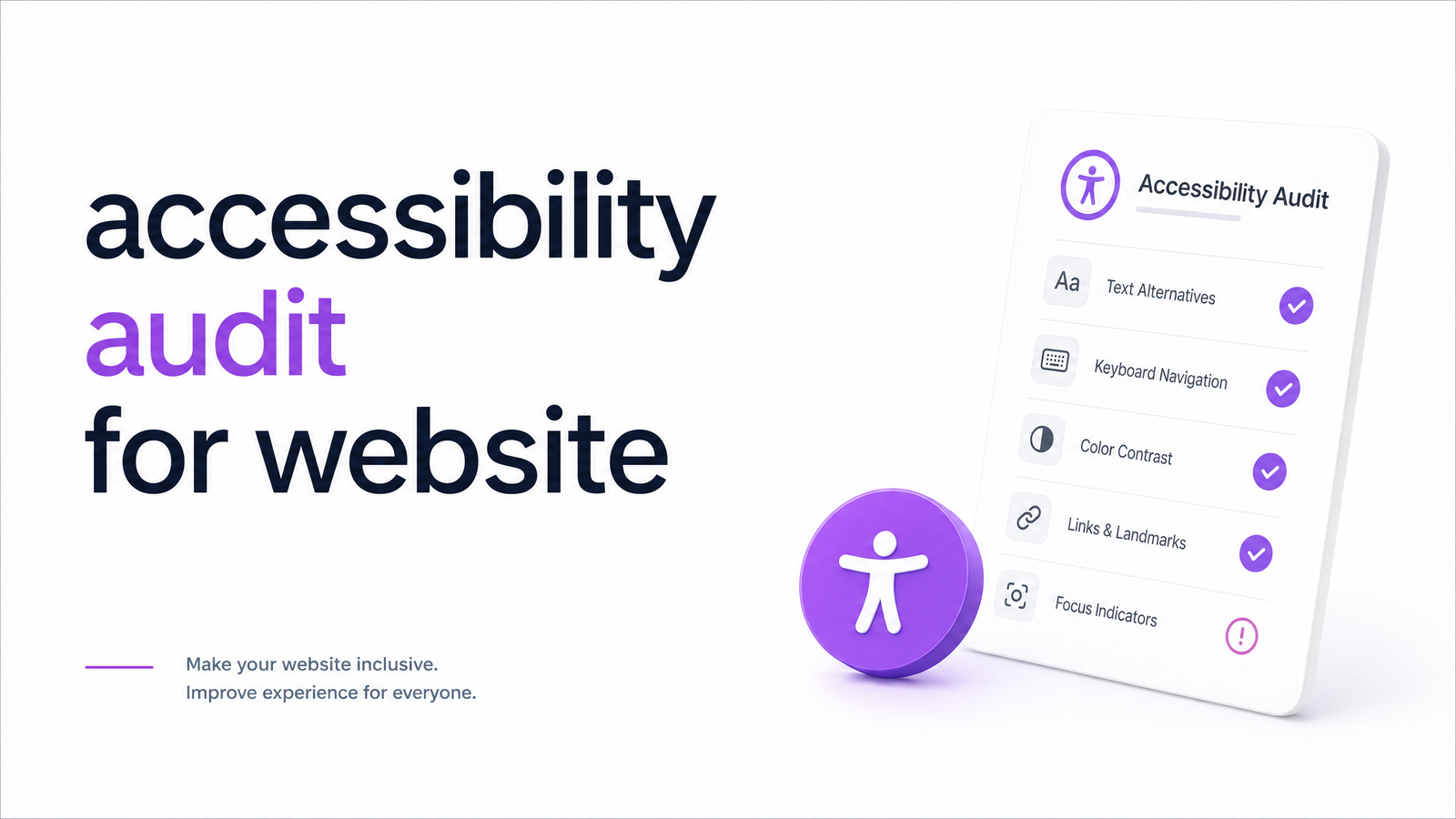
Running an accessibility audit for website content and structure is no longer a niche legal precaution — it's a practical business task that touches SEO, conversion rate, and user trust as much as compliance. Most guides come from two extremes: law firms selling five-figure manual audits, or overlay vendors promising a one-line script fixes everything. Here's what an audit actually involves, what it costs in 2026 to ignore it, and how to run one today without hiring a consultant first.
What Is a Website Accessibility Audit?
A website accessibility audit is a structured review of your site against the Web Content Accessibility Guidelines (WCAG) — the technical standard used by regulators, courts, and browsers worldwide to define what "accessible" means. WCAG is organized around four principles known as POUR: content must be Perceivable (visible or audible to all senses), Operable (usable via keyboard, not just mouse), Understandable (clear language and predictable behavior), and Robust (compatible with screen readers and other assistive technology).
An audit is a snapshot, not a fix. It identifies where your site fails specific WCAG success criteria — missing alt text, poor color contrast, broken keyboard navigation — and hands you a prioritized list. Remediation is the separate, ongoing work of correcting those issues and keeping new pages compliant as your site evolves. Confusing the two is why some businesses buy a report, file it away, and remain just as exposed six months later.
Why It Matters in 2026: Legal Risk, SEO, and Lost Conversions
The legal backdrop has shifted meaningfully. WCAG 2.2 — the current version referenced by most regulators and settlement agreements — added new success criteria around focus visibility and target size that 2.1-only audits miss entirely. If your last audit predates 2.2, it's already outdated. The WCAG 2.2 Checklist from Level Access is a solid reference for what changed and what AA-level compliance now requires.
ADA website lawsuits under Title III (private businesses) continue at high volume, and Title II — which sets accessibility requirements for state and local government sites — has its own compliance deadlines now in effect. The EU's European Accessibility Act (EAA) adds another layer for any business serving EU customers. Level Access's 2026 litigation trend data shows plaintiffs' firms continuing to target the same recurring, easily-detectable failures — not obscure edge cases. That's good news: most legal exposure comes from fixable, well-documented problems.
The commercial case is just as strong. Accessible sites tend to rank better because clean semantic HTML, descriptive alt text, and logical heading structure are exactly what search crawlers rely on — accessibility and SEO overlap far more than most marketers realize. Accessible design also reduces friction for every user, not just those with disabilities: larger touch targets, clearer forms, and visible focus states lower bounce rates and lift conversions. A broader website health check treats accessibility as one pillar alongside performance and UX, precisely because they reinforce each other.
What an Accessibility Audit Actually Checks
A thorough accessibility audit checklist covers a fairly consistent set of areas, because a small number of failure types account for most real-world violations. According to WCAGsafe's 2025-2026 lawsuit data, the most frequently cited issues include:
- Color contrast — text and interactive elements that don't meet minimum contrast ratios against their background, making content hard to read for low-vision users.
- Alt text — images, icons, and buttons missing descriptive alternative text for screen reader users.
- Form labels — inputs without programmatically associated labels, so assistive-tech users can't tell what a field is for.
- Keyboard navigation — interactive elements that can't be reached or activated without a mouse, including menus, modals, and custom widgets.
- Headings and semantic structure — pages that skip heading levels or use styled text instead of real
–tags, breaking screen reader navigation. - Focus order — tab sequences that jump illogically around the page, disorienting keyboard users.
Any credible audit report should map findings directly to specific WCAG success criteria, not just flag "issues" vaguely — that specificity is what makes a report actionable for a developer.
Automated vs. Manual Audits: What Each Catches (and Misses)
Automated accessibility testing tools, including Optimevra's AI-powered scanner, can check hundreds of WCAG success criteria in seconds — contrast ratios, missing alt attributes, empty form labels, heading hierarchy, and duplicate IDs, across every page rather than a handful sampled by hand. That speed and coverage is exactly why automated scanning should be step one, not a footnote.
But automation has honest limits. It can detect that alt text exists; it can't judge whether it's accurate or meaningful. It can flag that a custom dropdown lacks keyboard support; it can't fully verify the experience of navigating your checkout flow with a screen reader like JAWS or VoiceOver. Industry estimates generally put automated coverage at roughly a third to half of all WCAG success criteria — the rest genuinely requires a manual accessibility audit involving human testers, often people who use assistive technology daily.
This is also where accessibility overlay widgets fall short. Overlays layer a script on top of your existing code to adjust fonts, contrast, or spacing on the fly, but they don't fix underlying markup — and several recent lawsuits have specifically targeted sites for relying on overlays instead of real remediation. An overlay isn't a substitute for automated scanning or manual testing; at best, it's a temporary patch that can mask deeper structural problems.
How to Run an Accessibility Audit: A Simple 5-Step Process
If you're wondering how to audit a website for accessibility without committing to a full consulting engagement upfront, follow these steps:
- Run an automated scan first. Get a fast baseline of contrast, alt text, form label, and structural issues across all your pages — this surfaces the bulk of common, fixable problems immediately.
- Prioritize by impact and effort. Sort findings by how many users they affect and how quickly they can be fixed; contrast and alt text issues are usually low-effort, high-impact wins.
- Fix the quick wins in code. Assign contrast, labeling, and heading-structure fixes to your dev or content team — most take minutes per instance once identified.
- Test critical flows manually. Have someone navigate your checkout, contact form, or sign-up flow using only a keyboard, then with a screen reader, to catch what automation can't.
- Re-scan and monitor on a schedule. Accessibility isn't a one-time project — new pages and content introduce new issues, so recurring scans catch regressions before they become legal or UX problems.
Optimevra's automated scan is built specifically for step one: point it at your site and get a prioritized, WCAG-mapped report in minutes, so you know exactly where to focus before spending money on manual testing or legal review.
Frequently Asked Questions
What's the difference between an accessibility audit and an ADA compliance check?
An accessibility audit evaluates your site against WCAG's technical success criteria, while an ADA compliance check interprets those findings against the specific legal standard a court or regulator would apply. In practice, most ADA compliance assessments are built on top of a WCAG-based audit rather than being a separate technical process.
Can automated tools fully replace a manual accessibility audit?
No — automated tools typically cover a large share of detectable WCAG issues like contrast, alt text, and form labels, but they can't fully evaluate real assistive-technology experience. Complex interactions like custom widgets, modals, and multi-step forms still need manual testing with screen readers and keyboard-only navigation.
How much does a professional website accessibility audit cost?
Costs vary widely based on site size and whether manual assistive-tech testing is included, since manual audits require skilled human testers working page by page. Running an automated scan first is a low-cost way to fix the majority of common issues before paying for a full manual engagement.
Do accessibility overlays or widgets make a website ADA compliant?
Not on their own — overlays adjust visual presentation but don't repair underlying code issues like missing labels or broken keyboard navigation. Several lawsuits have specifically named sites that relied on overlays instead of genuine remediation, so they shouldn't be treated as a compliance solution.
How often should I audit my website for accessibility?
Audit whenever you launch new pages or redesign existing ones, and run automated scans on a recurring schedule in between, since new content regularly introduces new accessibility issues. Sites that update frequently benefit from monthly or continuous monitoring rather than a single annual check.
What WCAG level should my website meet — A, AA, or AAA?
Level AA is the standard most regulators, courts, and businesses target, including the current WCAG 2.2 benchmark. Level AAA is stricter but not typically required or fully achievable across an entire site, so AA is the practical goal for most organizations.
Run a free automated accessibility scan through Optimevra's live demo to see your highest-impact issues in minutes — no manual audit required to get started. If you're managing accessibility across multiple pages or client sites, check Optimevra's pricing for ongoing monitoring plans.
Originally published on Rankevra.