
Web Health Checker: A Buyer's Guide to Picking the Right One
September 16, 2026
What a Web Health Checker Actually Checks (and Where Most Fall Short)
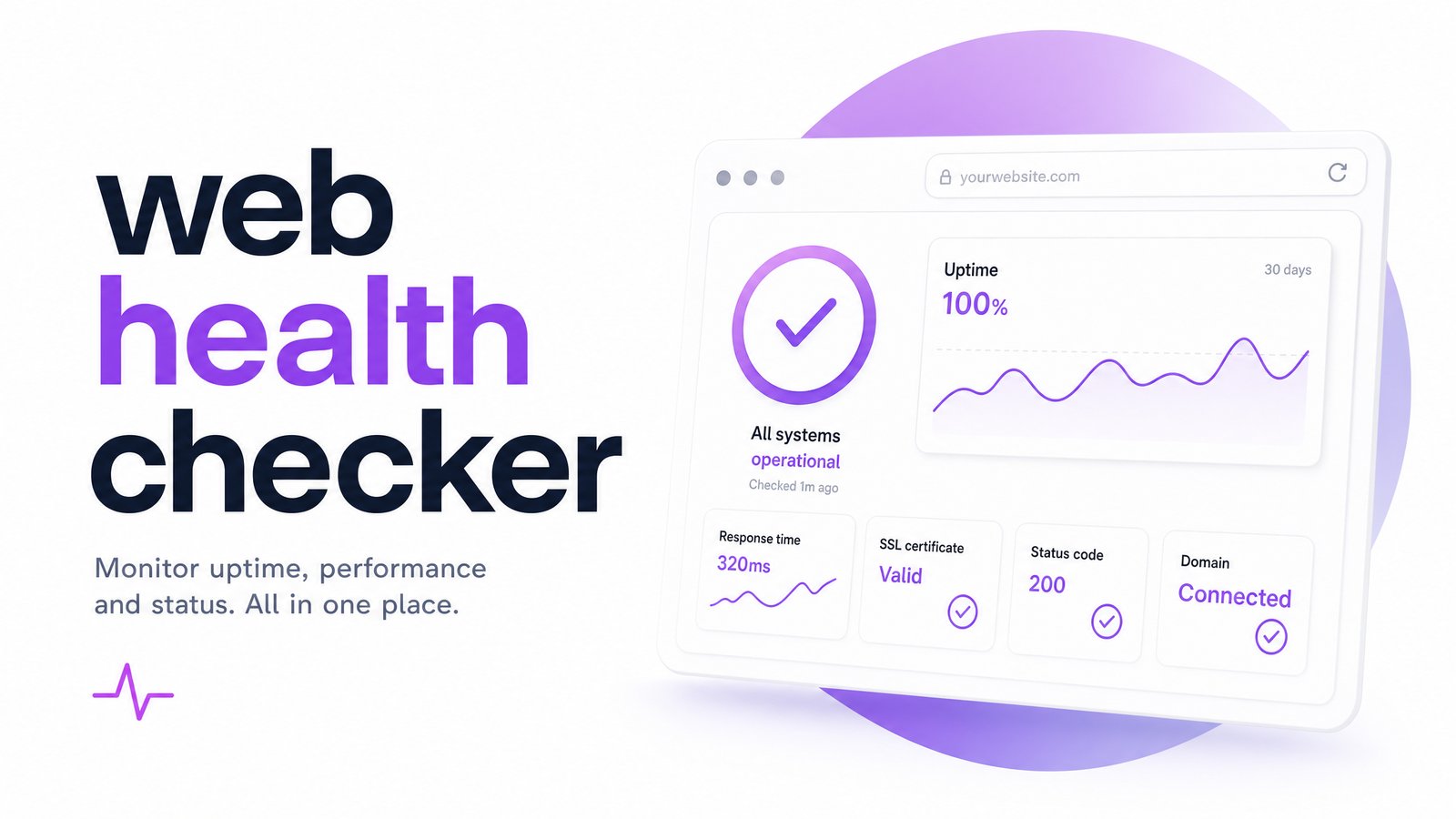
A web health checker scans a site and returns a score meant to summarize how well it functions — technically, structurally, and experientially. In practice, most tools wearing this label are really a website health scanner in a narrower sense: they confirm the site is reachable, glance at a handful of meta tags, run a speed test, and call it done.
That's useful, but it's a fraction of what "health" should mean for a site whose job is to convert visitors. A page can load fast, pass every meta-tag check, and still frustrate users with low-contrast text, a confusing checkout flow, or an unnoticed call-to-action. None of that shows up in a basic scan, which is why so many site owners run a "clean" health check and still can't explain a bounce rate or a stalled conversion funnel. For fuller conceptual grounding before comparing tools, this breakdown of what a website health check really means is a good starting point.
The 3 Types of Web Health Checkers on the Market
Not all checkers are built for the same job. Broadly, the market splits into three tiers.
1. Basic free and browser-extension scanners. These are the quickest to run — install an extension or paste a URL, and get a score in seconds. They typically flag missing alt text, broken HTTP links, and a handful of on-page basics. A free web health checker in this category is fine for a five-minute sanity check, but the scoring logic is often a black box, and coverage stops at the surface.
2. SEO and technical checkers. This tier digs into crawlability, indexation status, structured data, and Core Web Vitals pulled from Lighthouse or PageSpeed data. These tools are genuinely valuable for technical SEO — they'll catch a blocked robots.txt file or a slow Largest Contentful Paint — but they're built to answer "can search engines and browsers process this page," not "does a human actually want to use it."
3. AI-powered full-site checkers. The newest tier layers UX, accessibility, and conversion analysis on top of the technical basics. Instead of just confirming a page exists and loads, an AI website health check evaluates whether the layout, contrast, form design, and calls-to-action are actually working for visitors — and increasingly connects specific issues to their likely effect on conversions. This is the category Optimevra operates in as a website health checker tool built for teams who need more than a pass/fail on server response codes. For a wider view of how these approaches fit into overall site analysis, see the 5 core types of website analysis.
7 Things to Look for Before You Trust a Health Score
A number on a dashboard is only as good as the method behind it. Before you act on a web health check score, run the tool through this checklist:
- Transparent methodology. Can you see what's being measured and how it's weighted, or is the score a mystery percentage?
- Crawl depth. Does it check a single URL, or the site as a whole — templates, key funnel pages, mobile and desktop views?
- Accessibility coverage. Does it flag color contrast, missing alt text, ARIA labeling, and keyboard navigability, or only SEO-adjacent basics?
- Conversion linkage. Does it connect specific issues (a buried CTA, a cluttered form) to their likely impact on conversions, or just list generic warnings?
- Actionability. Are recommendations specific enough to hand to a developer or designer, or vague ("improve performance")?
- Re-testability. Can you re-run the check after fixes and see the score move, confirming the issue is actually resolved?
- Update cadence. Is the underlying data (Core Web Vitals thresholds, accessibility standards) kept current, or is the tool running on an outdated ruleset?
If you're wondering how to check website health beyond a single grade, this list doubles as a due-diligence framework for evaluating any tool you're considering.
How to Run a Web Health Check in Under 5 Minutes
Running a first pass doesn't need to be complicated. Paste the URL into your chosen tool, let it crawl, and review the score breakdown rather than the headline number alone — a 78 dragged down by three accessibility flags tells a very different story than a 78 dragged down by slow image compression.
Next, prioritize by impact, not severity labels. A "critical" broken link on a rarely visited page matters less than a "moderate" contrast issue sitting on your primary sign-up form. This is where a web health checker for UX and accessibility earns its keep — it should help you separate cosmetic warnings from things actually costing you conversions.
Once fixes ship, re-run the check. If you want to go a step further and understand actual visitor behavior around the issues flagged, pairing a health check with heatmap software shows you where people hesitate, rage-click, or abandon — turning a static score into a behavioral confirmation of what to fix first.
Frequently Asked Questions
Is a free web health checker good enough, or do I need a paid tool?
A free web health checker is good enough for a quick surface check — broken links, missing alt tags, an obvious speed problem. It's not built to catch accessibility violations, conversion-blocking UX issues, or give prioritized, actionable fixes, which is where paid AI-powered tools earn their cost for anyone running a revenue-generating site.
What's the difference between a web health checker and an uptime monitor?
An uptime monitor only tells you whether your site is reachable and responding, typically via periodic pings. A web health checker goes further, evaluating page structure, performance, SEO fundamentals, and — in more advanced tools — UX, accessibility, and conversion signals. Uptime is a subset of health, not the whole picture.
Can a web health checker catch accessibility problems, or just speed and SEO?
It depends on the tool's tier. Basic scanners and most SEO checkers rarely go beyond alt-text presence, while AI-powered checkers actively evaluate contrast ratios, ARIA labeling, keyboard navigation, and other WCAG-related signals as part of the health score.
How often should I run a web health check on my site?
Run a full check monthly at minimum, and immediately after any redesign, content migration, or major feature launch. High-traffic conversion pages — landing pages, checkout flows, sign-up forms — deserve a check any time they change, since even small edits can introduce new UX or accessibility issues.
Why do two different web health checkers give my site different scores?
Different tools weigh criteria differently — one might heavily penalize slow load times while another weights accessibility or crawlability more. Scores aren't standardized across the industry, which is why understanding a tool's methodology matters more than comparing raw numbers between checkers.
Does a web health checker tell me why visitors aren't converting, not just what's broken?
Only the more advanced, AI-powered checkers attempt this. Basic and SEO-focused tools report technical issues without connecting them to visitor behavior, while conversion-aware checkers link specific UX or accessibility problems to their likely effect on sign-ups, purchases, or other goals.
Most checkers stop at a single signal — uptime, meta tags, or a speed score — and leave you guessing why that "healthy" site still isn't converting. A multi-signal, AI-powered approach looks at performance, accessibility, and UX together and ties them back to the outcomes you actually care about. See it for yourself with Optimevra's live demo, run a full UX, accessibility, performance, and conversion health check on your own site, and compare plans on the pricing page when you're ready to go deeper with Optimevra.
Originally published on Rankevra.